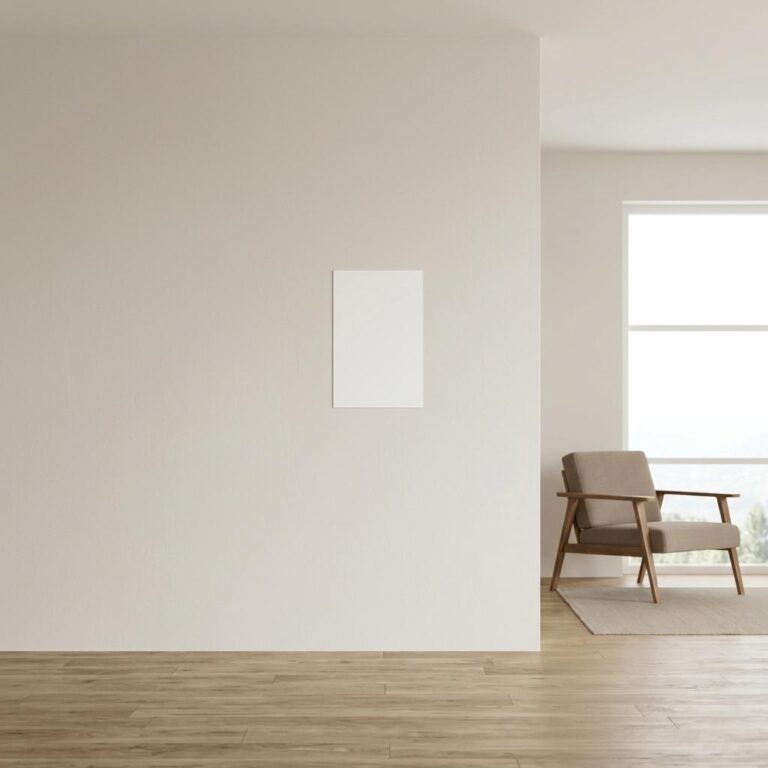
A clean canvas in a real room
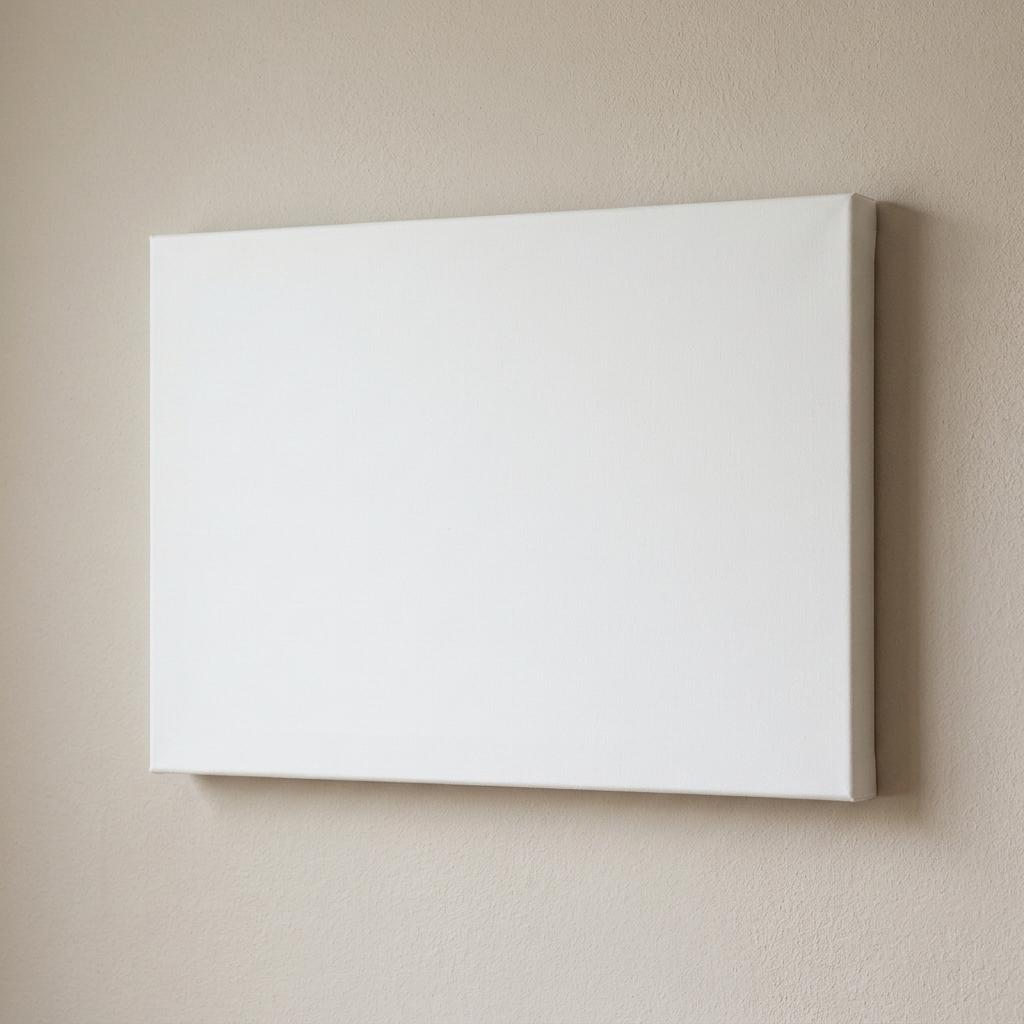
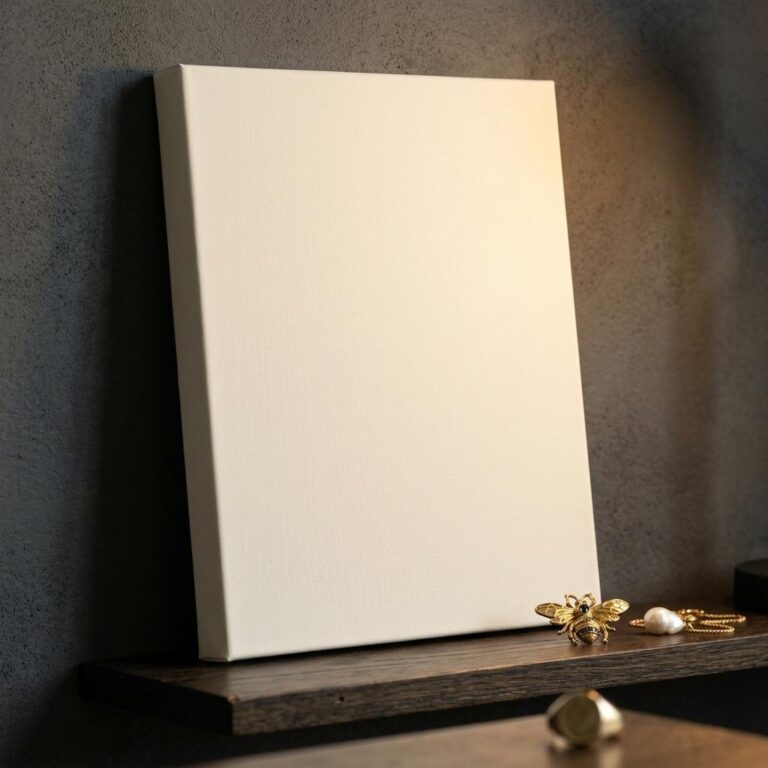
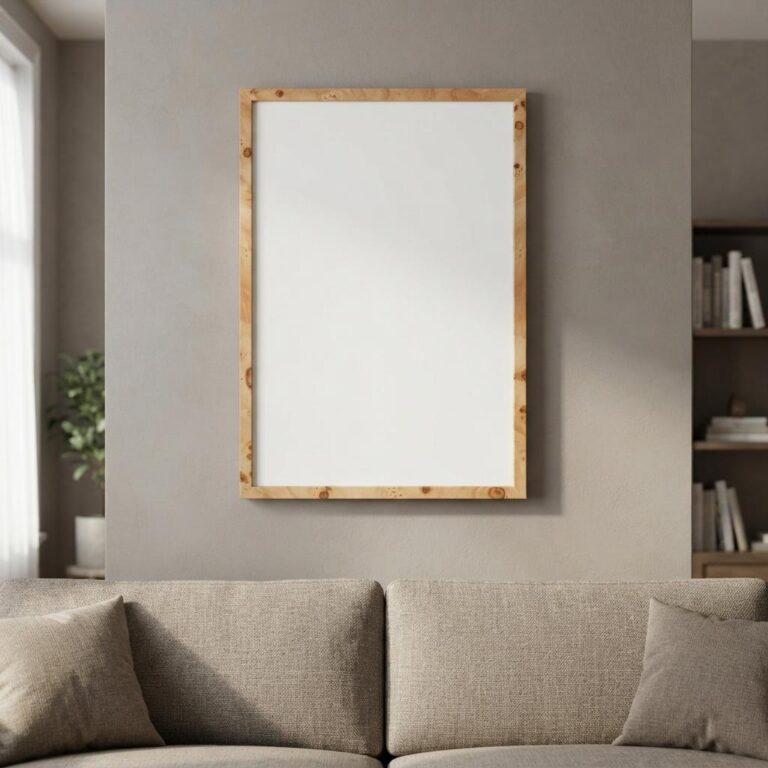
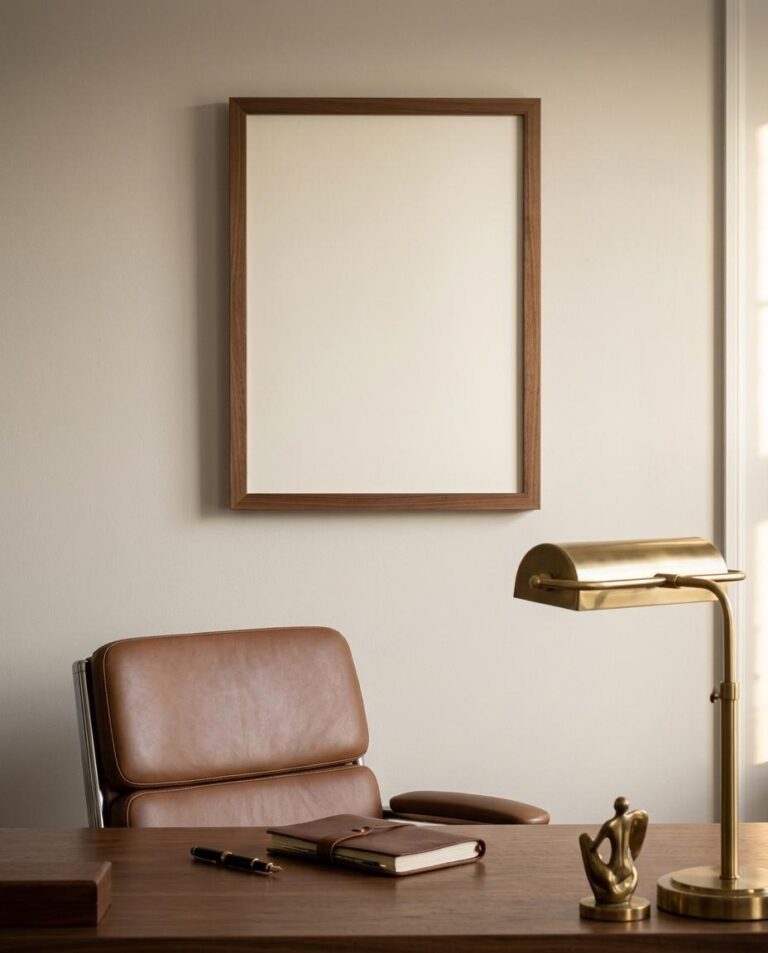
The scene is minimal by design. A white gallery-wrapped canvas sits against a warm greige textured wall, lit by soft diffused light from the upper left. That gentle side-cast shadow along the right and bottom edges makes the stretched canvas read as a physical object - not a flat image pasted on a background. The wrapped edges show clearly on the right and bottom sides, which is exactly the detail that builds buyer confidence in a print listing.
The 24×36 format covers the most popular large-format canvas size for home decor, and the landscape orientation suits panoramic photography, abstract art, and typographic prints that breathe better when they run wide.
Who uses this template
POD sellers on Etsy and Shopify reach for it as a listing hero image for canvas prints. Interior designers use it for client presentations when they want a neutral, Scandinavian-leaning room reference that does not compete with the artwork. Illustrators and photographers drop in portfolio pieces to show scale and placement without booking a photo shoot.
The single-canvas composition keeps the visual focus entirely on your design. The beige wall pairs with virtually any color palette - earthy botanicals, high-contrast black and white photography, or muted abstract washes all read well against it.
How to use it
Open the template in the Dynamic Mockups browser editor, upload your artwork, adjust placement on the canvas face, and export a high-resolution image. No Photoshop, no plugins, no local file downloads needed.
Perfect for
- Etsy listing hero image for a canvas print shop selling home decor art
- Shopify product page preview for a landscape photography print collection
- Client mood board insert for an interior designer specifying large-format wall art
- Portfolio shot for an illustrator showing how abstract work looks at residential scale
- Instagram or Pinterest lifestyle post for a POD brand launching a new canvas print range
- Gallery wall inspiration content for a home decor blog or Substack newsletter
Frequently asked questions
Is this canvas wrap mockup free to use?
Yes. This canvas wrap mockup is free to use in the Dynamic Mockups Public Library. Open it in the browser-based editor, upload your own artwork, customize the placement, and export a high-resolution image - no subscription or Photoshop license required.
What size is the canvas in this mockup?
The template features a 24×36 inch wrapped canvas - one of the most popular large-format sizes for home decor prints. That footprint works for landscape photography, wide abstract compositions, and typographic prints that need room to breathe horizontally.
Can I use this canvas mockup for my Etsy or Shopify listings?
Yes. Export the high-resolution image from the Dynamic Mockups editor and use it anywhere you sell - Etsy listings, Shopify product pages, Amazon Merch, social ads, or client presentations. The neutral warm-beige interior gives the preview a lifestyle quality that flat white-background shots lack.
How do I add my design to this canvas wrap mockup?
Open the template in the Dynamic Mockups browser editor. Upload your artwork file, and the editor maps it to the canvas face automatically. Adjust scale and position as needed, then export a high-resolution PNG. The whole process takes under two minutes and requires no design software.
What kind of artwork looks best in this mockup?
The warm greige wall pairs well with a wide range of styles - landscape and travel photography, black-and-white abstract prints, botanical illustrations, and muted-palette fine art all read clearly against it. High-contrast designs and earth-tone palettes perform especially well given the scene's neutral warm lighting.
Does this mockup show the gallery-wrap edges of the canvas?
Yes. The right and bottom sides of the canvas are visible in the scene, showing the white gallery-wrap edges that are standard for stretched canvas prints. This detail signals to buyers that they are looking at a real, finished product rather than a digital render with no physical context.