

Stitch AI — the first embroidery digitizing agent
It reads your artwork, plans the stitches and hands you the photoreal mockup, the machine file and the production sheet in 15 seconds, in your browser.
Free right now · no card, no digitizing invoice
Trusted by 45,000+ print-on-demand platforms & brands from







- 15 sec
- artwork to stitch plan, mockup and machine file
- $10–50
- what a digitizing service charges, per design
- 24 hrs
- the turnaround you stop waiting on
Service prices and turnaround are the market rates Stitch replaces, not our fees. Stitch is free right now.
The agent
It reads your design the way a digitizer would
Stitch AI Agent reads your design the way a digitizer would: it plans the stitches region by region, picks a thread palette, and even tells you honestly what embroidery can’t reproduce. It brings the creativity and expertise of a professional digitizer to every design, not a one-size-fits-all conversion.
What the agent does
- Reads the artwork A scanning pass over your design, with its thinking narrated as it goes. You watch it work, not a spinner.
- Writes a stitch plan Region by region: fill here, satin outline there — each with the reasoning for why that treatment suits that element.
- Picks a thread palette A working set of thread colours with human names, chosen against what your artwork is actually doing.
- Tells you what it cannot do A written list of compromises: the things embroidery physically cannot reproduce from this artwork. Before you sew, not after.
What lands on your screen
Every run gives you
- A photoreal patch
- on your mockup
- A Tajima DST file
- machine-ready
- A production sheet
- for the operator
- A stitch count
- your quoting unit
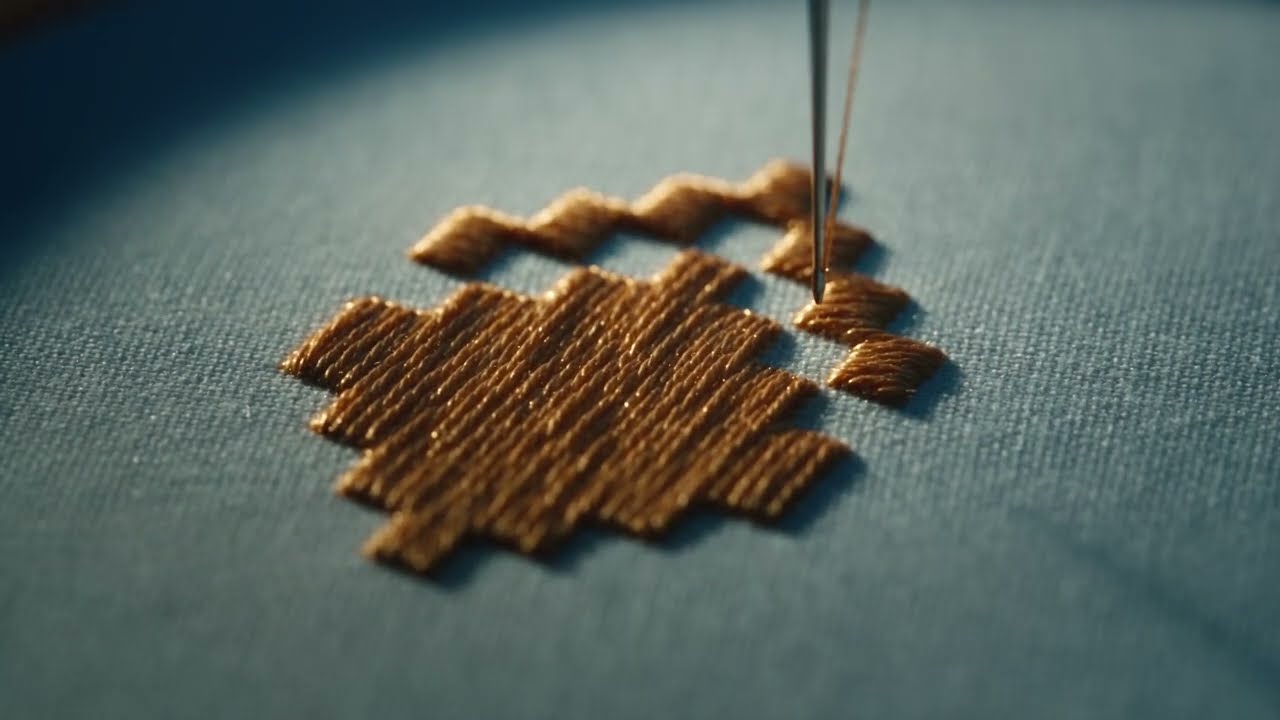
The render is not a filter over your artwork. It is a true 3D bake — per-stitch thread geometry with real material response, composited onto the product. That is why it reads as thread rather than as an emboss.
From PNG to sew-ready, without leaving the tab
Embroidery is a decoration method in the mockup editor, next to DTG, screen print, UV and laser. There is no second tool to find.
-
Pick embroidery
Choose it as the decoration method on any print area. The patch is sized from that area’s real-world millimetres, so the plan is scaled to the physical product.
-
Let Stitch analyse
The agent reads the artwork and returns its plan, palette and compromises, then reveals the patch in 3D on your product.
-
Refine if you want to
Apply it as it is, or open the studio and take per-region control of colour, angle, density, finish and puff.
-
Download the file
Tajima DST plus a production sheet with the stitch sequence, colour changes, trims and finished size.
Free right now
Digitize your logo and see what comes back
No card, no quote, no 24-hour wait. Upload artwork, pick embroidery, and judge it on the file it hands you.
Try Stitch for freeThe studio
Then take it apart, region by region
The first pass is the agent’s. Everything after it is yours — the control cheap auto-digitizers never give you.
Per-region control
Override on any region the engine found
- Thread colour
- Stitch treatment
- Stitch angle
- Density
- Thread finish
- Puff / 3D foam
- Fill flow
- Hide region
And across the whole design
- Design mode
- fill · outline · both · topstitch
- Thread thickness
- maps to real weights
- Merrow border
- width in mm, own colour
- Views
- 2D patch + 3D relief
Merrowed or stitched, border width in eighths of an inch, matte against metallic finish — the studio speaks in patch-maker vocabulary rather than in sliders labelled “intensity”.
Catch problems before the machine does
- Density heatmap Danger-zone spacing flagged visually, with the worst five hotspots listed so you can go straight to them.
- Problem inspector Flies you to stitches that are too short or too long, and to every density hotspot in turn.
- Stitch player Sews the design in front of you, stitch by stitch, from 1× to 50×, with scrubbing and an X-ray mode.
- Needle-path view The decoded path on a millimetre grid: penetration points, trim markers, colour-change pins, per-block solo.
Where it sits
Nobody in mockups does digitizing. Nobody in digitizing does mockups.
The artefact that wins the sale and the artefact that goes to production are the same one. No handoff, no re-digitizing.
| Feature | Stitch AI | Digitizing service | Pro software | Mockup “effects” |
|---|---|---|---|---|
| Turnaround | About 15 seconds | 24 hours | Your own hours | Instant |
| Cost per design | Free right now | $10–50 | $100–3,000+ up front | Included |
| See it before you pay | Photoreal, on the product | Not until it is done | No mockup output | But it is only pixels |
| Machine file out | Tajima DST | Yes | Yes | None |
| Production sheet | Auto-generated | Sometimes | You build it | None |
| Per-region control | Every region | Email the digitizer | Yes | None |
| Density problems flagged | Before you sew | On the machine | If you know to look | None |
| Learning curve | Upload a PNG | None, it is a service | Weeks | None |
Service prices and turnaround are typical market rates. Pro software pricing is list. We have been deliberately generous to the other columns — the point is the row you cannot fill in anywhere else: a mockup and its machine file from one plan.
Who it is for
If embroidery touches your work, it touches this
Four jobs it does on day one.
-
Embroidery shops & decorators
Quote in minutes, not tomorrow
Stitch count is the industry’s pricing unit, and you get one instantly. Use Stitch as a first-pass digitizer and a quoting tool, and send only the hard designs out.
- Instant stitch count for pricing
- DST plus an operator’s sheet
- Triage what still needs a human
-
Promo products distributors
Pitch embroidered merch before you commit a digitizer
A photoreal mockup and the stitch count that drives the price, in the same few minutes, before anyone has been paid to digitize anything.
- Client-ready product shots
- The number your margin depends on
- Pairs with lookbooks for a full catalogue
-
Merch brands & POD sellers
Move into embroidery without learning to digitize
Embroidery is the premium end of print on demand — higher order value, far less saturated than DTG. Digitizing is the barrier. This removes it, and shows you sellable product shots on the way through.
- Higher average order value
- Listing images from the same run
- No new software to learn
-
Patch & hat makers
Merrow borders and puff, in your own vocabulary
Border width in millimetres with a default around an eighth of an inch, merrowed against stitched, 3D foam per region. The studio was built by people who read the same forums you do.
- Merrow / overlock borders
- Puff (3D foam) per region
- Patch cutouts and finishes
The compromises report
An AI digitizer that tells you no
Every run ends with a written list of what embroidery cannot reproduce from your artwork — the gradient that will band, the detail below thread width, the typeface that will close up. Auto-digitizers quietly sew it wrong and let the machine break the news. Knowing first is the difference between a revision and a ruined garment.
See what it says about your designLive demo
Want to see it live in a demo?
Bring a design you need to sew. We will digitize it with you on the call, walk through the stitch plan and the compromises report, and answer your questions.
Book a callFree tools
Try Stitch AI in the free tools
A free preview from your own artwork, no account. The machine file comes with a free one.
Frequently asked questions
The honest answers, including the limits. For anything else a human replies fast.
Talk to Human →Is the machine file actually usable in production?
Yes. Stitch exports Tajima DST, the most universal embroidery machine format, and the exported files are machine-verified and production-usable. Because DST carries no colour information, every export comes with a production sheet: stitch count, the ordered thread sequence with per-block counts, colour changes, trims and the finished size in millimetres — what an operator actually needs beside the file.
Which file formats can I export? Do you support PES or EXP?
Tajima DST today — the format nearly every commercial machine reads, which is why it came first. PES and EXP are next on the list, and they are a small piece of work rather than a rewrite: if your machine needs one of them, tell us and we will prioritise it. JEF and VP3 are further out. In the meantime a DST converts to any of these with a free converter, and it is what most shops send to the machine anyway.
What does it cost?
Nothing right now. Embroidery in the editor is free while we learn how people use it. That is a launch decision rather than a permanent promise — if that changes we will say so clearly and in advance, not quietly.
Do I need to know how to digitize?
No. The agent does the first pass and explains its reasoning as it goes, which is also how you learn what the studio’s controls do. If you already digitize, the per-region controls are there and the stitch inspector will show you things your current software may not.
Does it work on a phone or tablet?
The embroidery studio is desktop only. It is a dense, precision interface — a stitch inspector, a density heatmap and per-region editing — and we would rather say so than ship a version of it that frustrates you on a small screen.
Can I control thread colours and stitch direction?
Yes, on every region the engine detected: thread colour, stitch treatment, angle, density, finish from matte through to metallic, puff and fill flow. Thread colours are set as colours with plain-language names rather than picked from a manufacturer’s chart, so match to your own stock when you order.
How is this different from an embroidery effect or filter?
A filter makes flat pixels look stitched. Stitch writes a real stitch plan, renders it as actual 3D thread geometry on your product, and exports that same plan as a file a machine sews. If you have used our older bulk “convert to embroidery” tool, that one makes embroidery-style artwork; this one does true digitizing.
Is there an API for it?
It is a work in progress. Stitch runs inside the mockup editor today, and the digitizing API is being built. Want to see it live before it is public? Book a call and we will walk you through it.
Say yes to every order
Upload artwork, pick embroidery, and have the mockup, the machine file and the production sheet in about fifteen seconds. Free right now.