

Wrapped Box Mockup Templates
Wrapped box mockups show your custom-printed gift packaging as a finished, ribbon-tied product sitting in a real scene. Buyers browsing for holiday gifts, birthday presents, or curated gift sets see immediately how your box looks wrapped and ready to give – not as a flat dieline or plain product shot.
Upload your design, and the template maps it onto the box surfaces, bow and all. A few adjustments and you download a shop-ready image that works for Etsy listings, product pages, or seasonal social posts.
Formats
- PSD
- PNG
- Online editor
- API
Compatible with
- Photoshop
- Illustrator
- Canva
- Figma
Popular Wrapped Box Mockup Templates
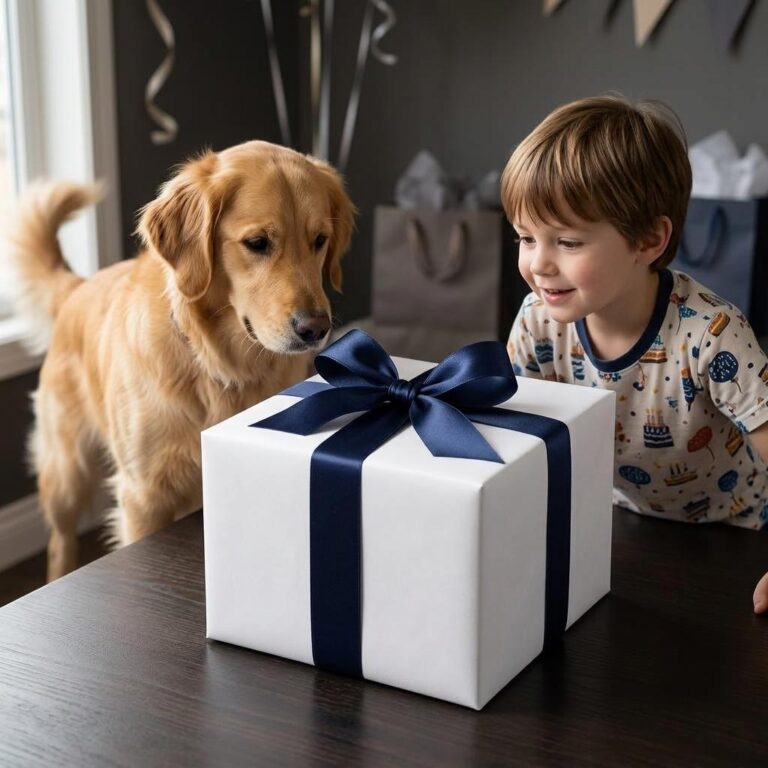 Birthday Gift Box Mockup with a Kid and Golden Retriever
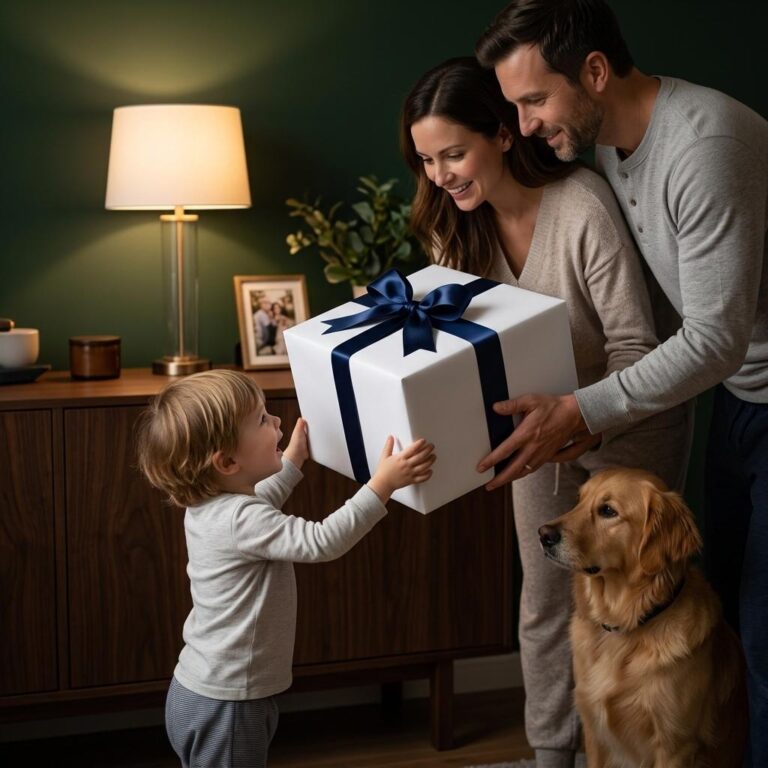 Wrapped Gift Box Mockup - Cozy Home Birthday Scene
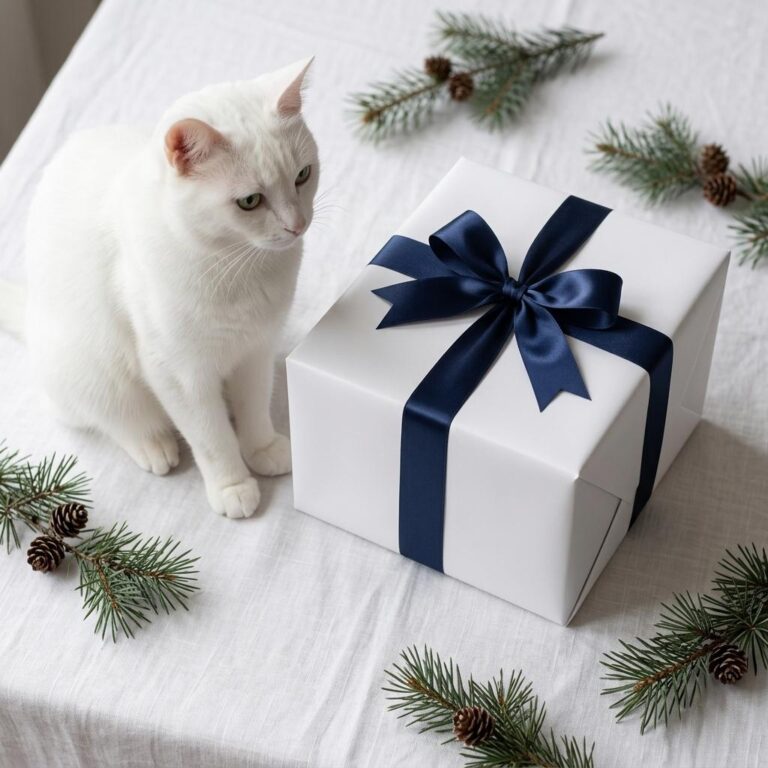 Free Christmas Gift Box Mockup with White Cat and Pine Scene
 Cozy Candlelit Gift Box Mockup with Satin Bow
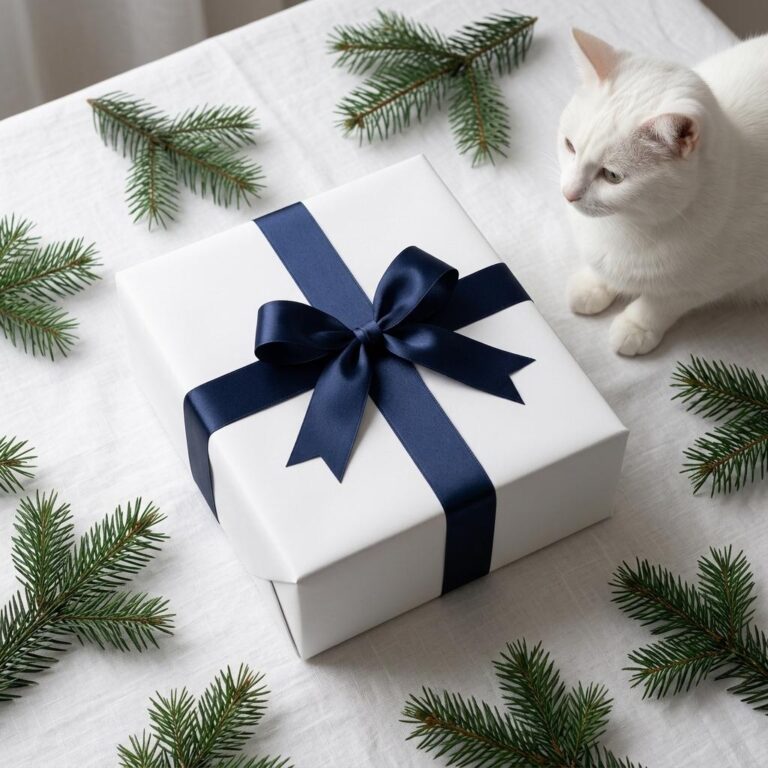 NYE Holiday Gift Box Mockup with Navy Ribbon and Pine Branches
 Warm Family Gift Box Mockup - Birthday Morning Lifestyle Scene
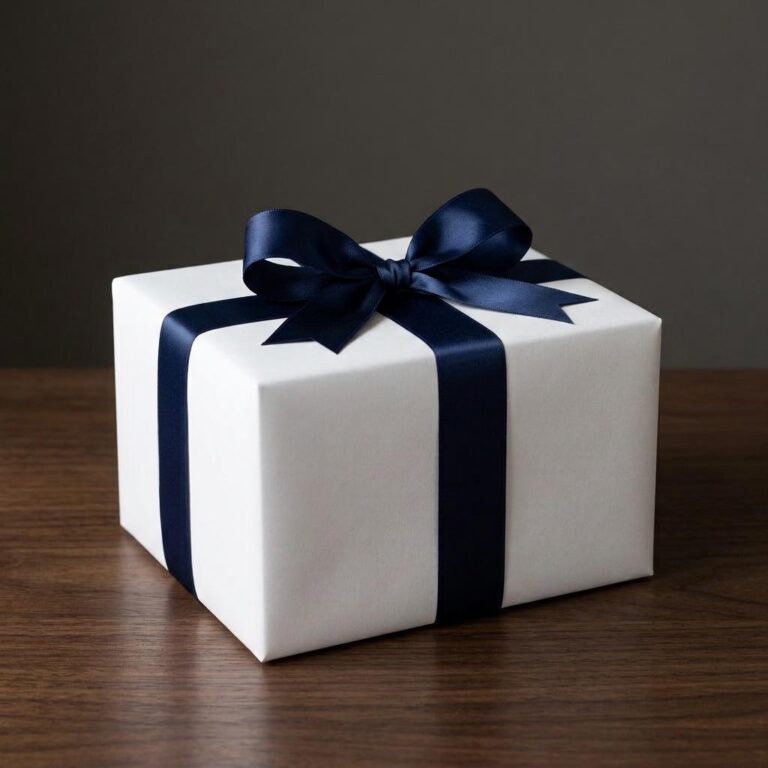 Gift Wrapped Box Mockup with Satin Bow
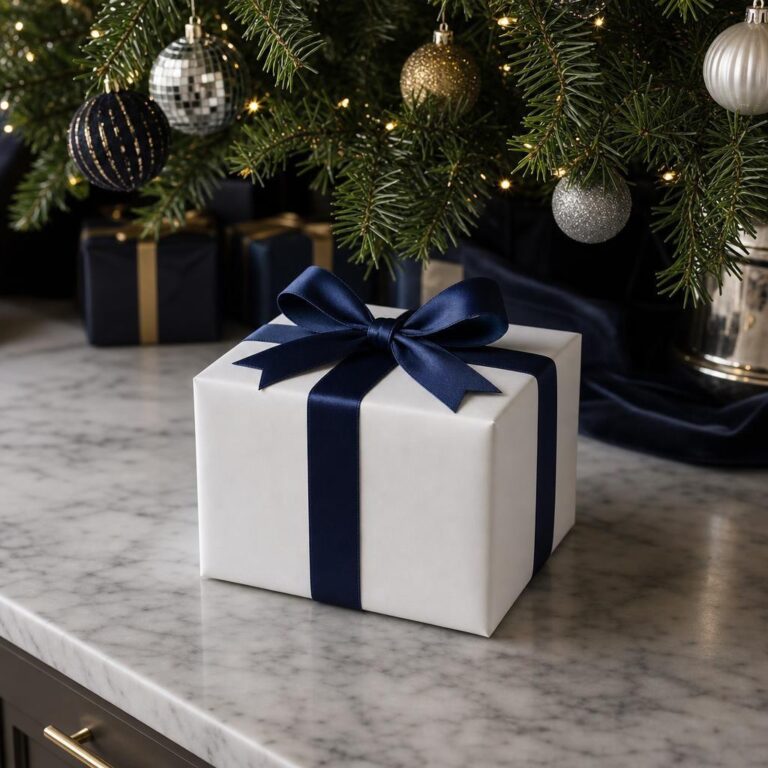 Luxury Christmas Gift Box Mockup with Navy Satin Bow
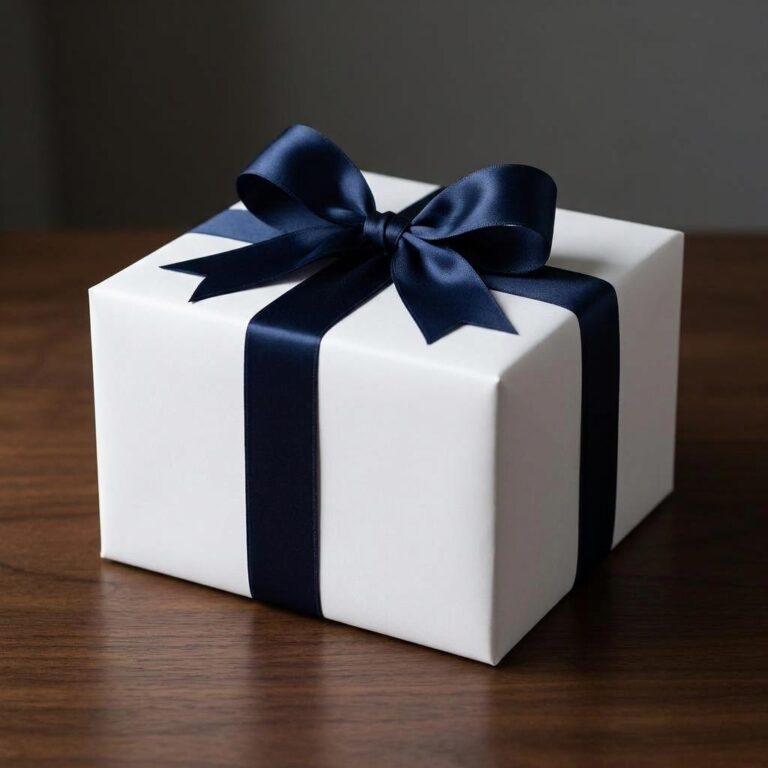 White Gift Box Mockup with a Navy Satin Bow
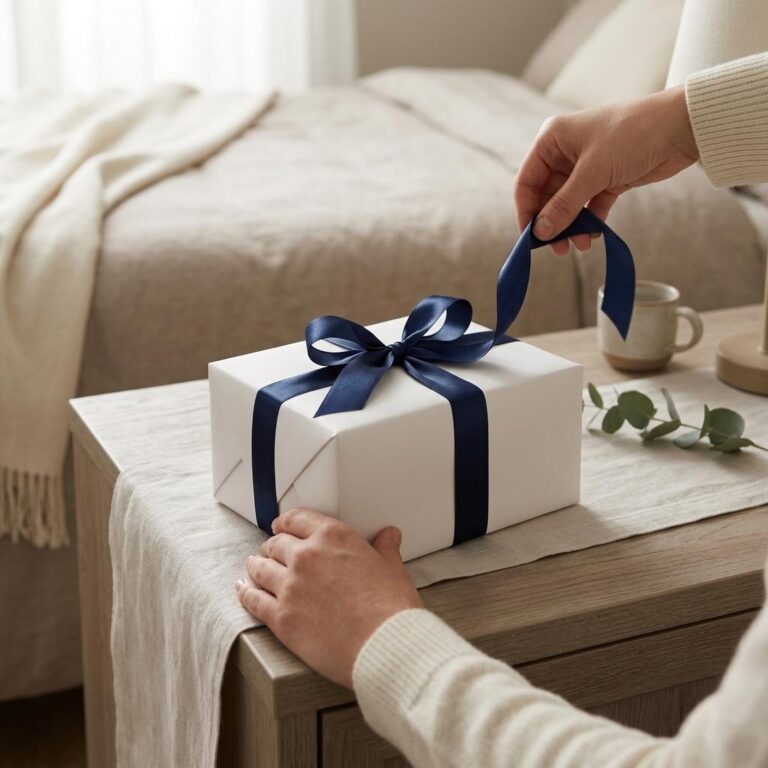 White Gift Box Mockup with Satin Bow in a Bedroom Lifestyle Scene
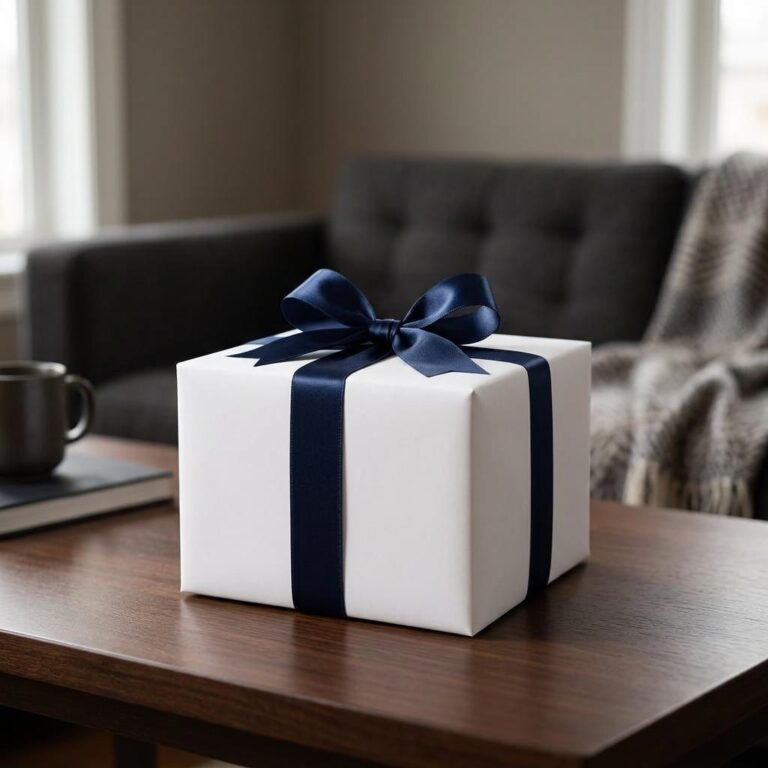 Cozy Living Room Gift Box Mockup
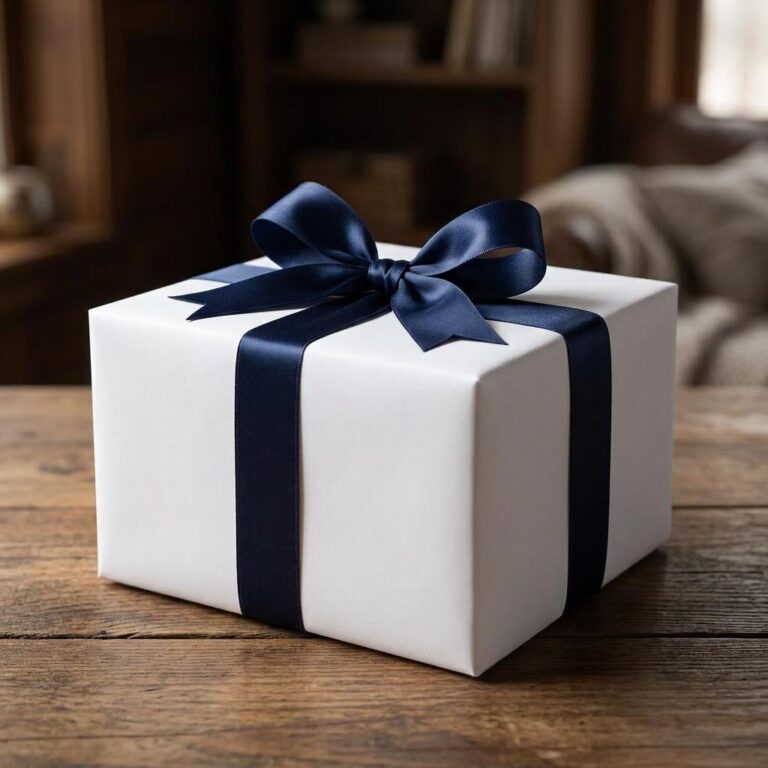 Cozy Home Gift Box Mockup with Navy Satin Ribbon
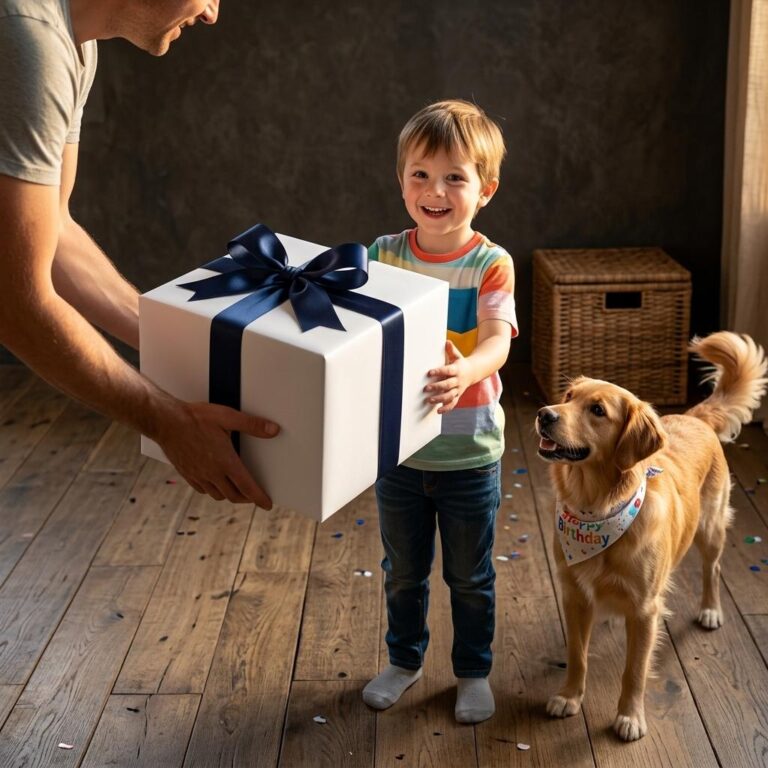 Birthday Gift Box Mockup with a Golden Retriever Celebration Scene
 Christmas Gift Box Mockup with a Cozy Golden Retriever Scene
 Birthday Gift Box Mockup in a Rustic Golden Retriever Birthday Scene
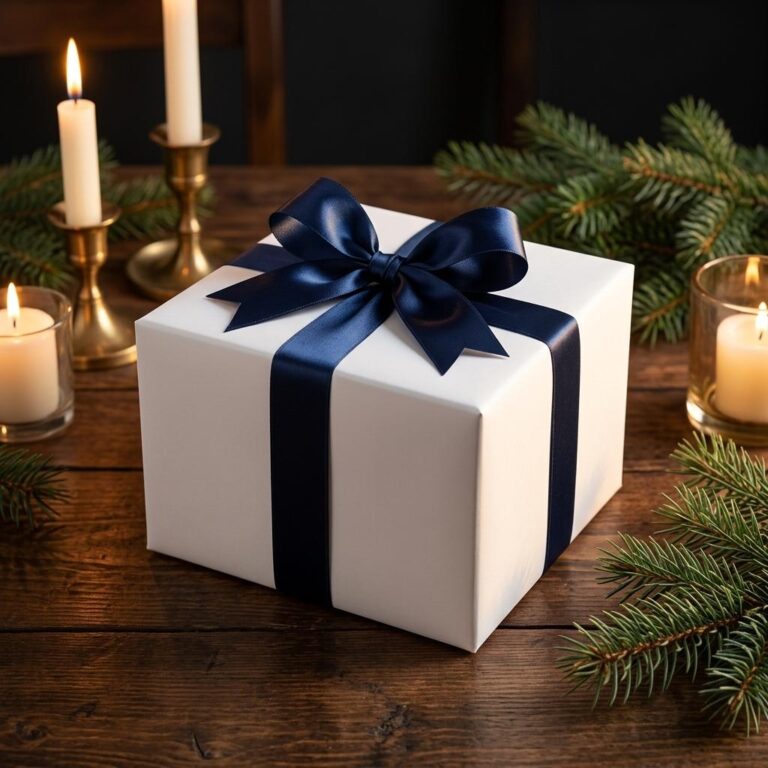 Elegant Holiday Gift Box Mockup with Candlelit Pine Setting
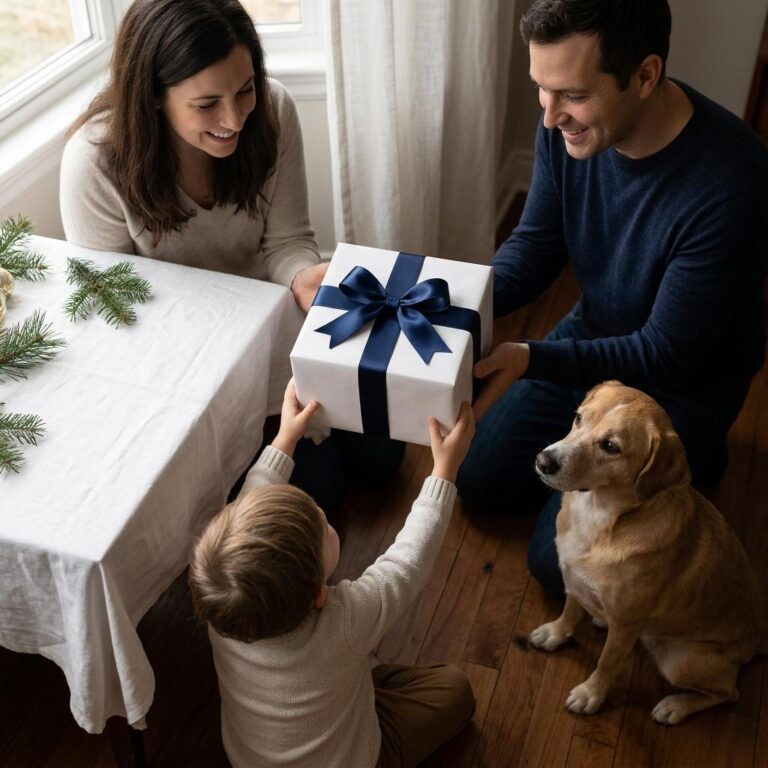 Wrapped Gift Box Mockup in a Warm Home Birthday Scene
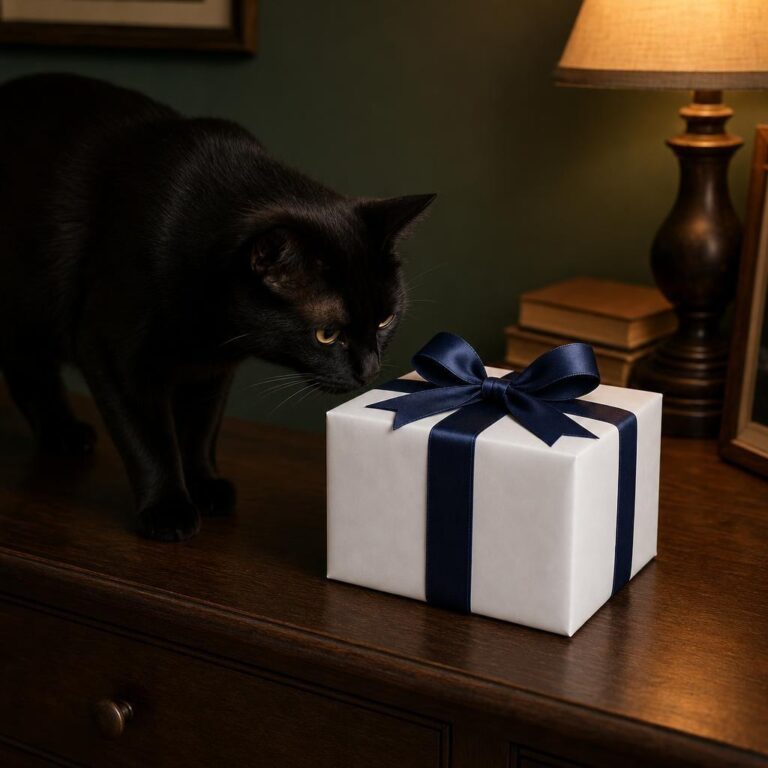 Wrapped Gift Box Mockup with Ribbon - Black Cat Birthday Scene
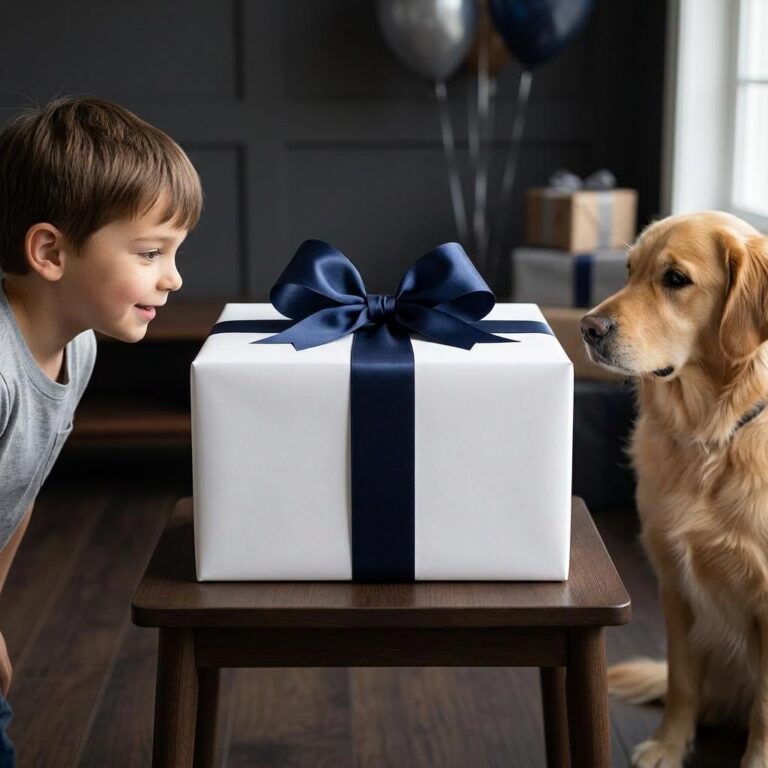 Birthday Gift Box Mockup with Kid and Dog Scene
 Elegant Gift Box Mockup with Satin Bow
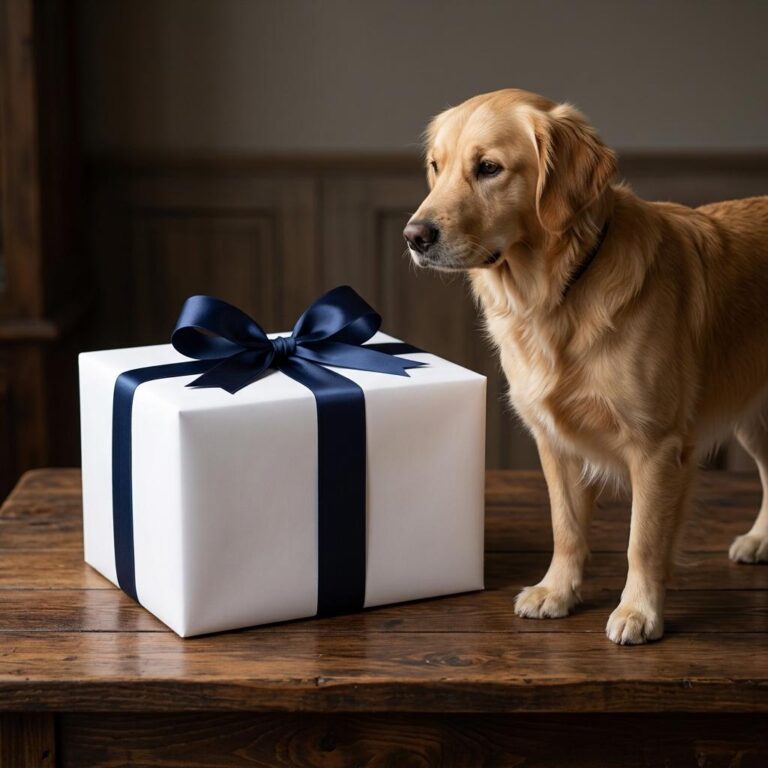 Wrapped Gift Box Mockup with a Golden Retriever - NYE Interior Scene
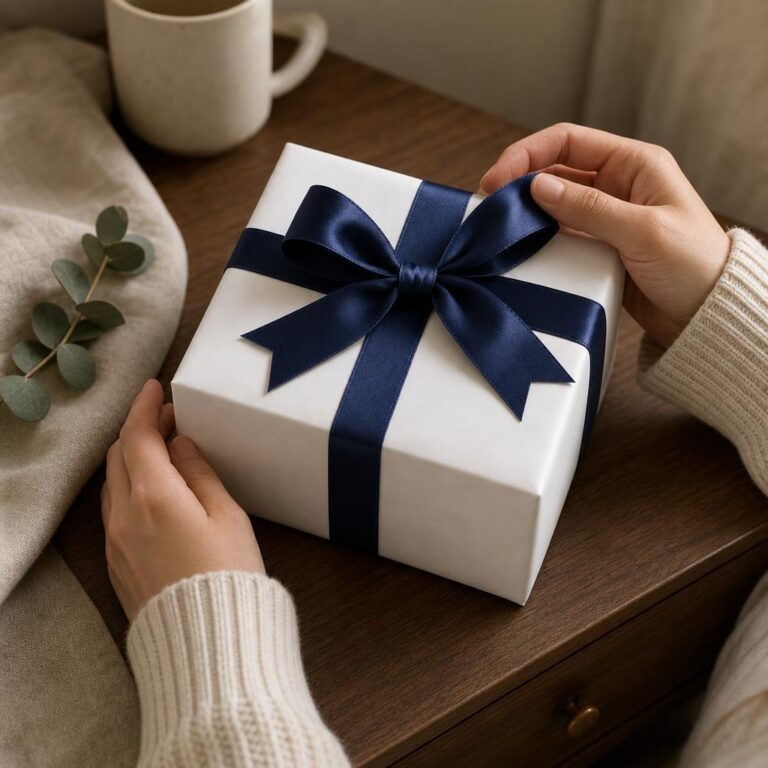 Wrapped Gift Box Mockup with Satin Bow
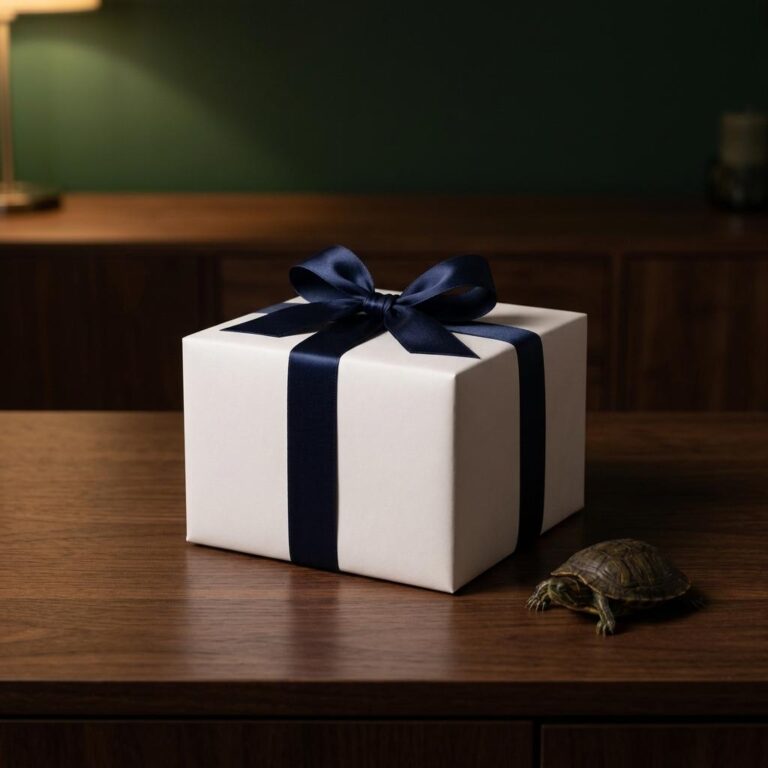 White Gift Box Mockup with Navy Satin Bow
Where they go
Create Wrapped Box mockups for every platform
-
Print-on-demand stores
Product listings for Etsy, Amazon Merch, Redbubble and the rest. Upload your design, pick your wrapped box colour, and download a marketplace-ready image in seconds — no photography.
-
Shopify & e-commerce
A consistent catalogue of wrapped box mockups across Shopify, WooCommerce or BigCommerce. The Shopify integration and the API automate it for your whole inventory.
-
Social & advertising
Scroll-stopping images for Instagram, Facebook, Pinterest and TikTok. Lifestyle wrapped box mockups outperform flat product shots in both ads and organic posts.
-
Agencies & freelancers
Present wrapped box concepts to clients photorealistically. High-resolution exports for pitch decks and portfolios, and bulk generation for whole collections.
How it works
How to create a Wrapped Box mockup
Three steps to a professional product image.
-
Choose a template
Browse the wrapped box mockups and filter by colour, style, angle or model. On-model lifestyle shots, flat lays, hanging views, ghost mannequins and 3D renders — every one free to preview.
-
Upload your design
Drop your artwork, logo or pattern onto the template and set its placement, size and rotation in the online editor — or download the PSD and finish it in Photoshop or Illustrator.
-
Download and use
Export a high-resolution PNG for your Etsy listings, Shopify pages, social posts or client decks. Need hundreds? The API generates them automatically.
Frequently asked questions
What people ask about Wrapped Box mockups, and the short answers.
Talk to Human →What Is a Wrapped Box Mockup?
A wrapped box mockup is a photorealistic image showing a printed gift box with a bow and wrapping, placed inside a real-looking scene. It lets you preview exactly how your packaging design appears as a finished, gift-ready product before committing to a print run - useful for product listings, client approvals, and seasonal social posts.
How Do I Add My Design to a Wrapped Box Mockup?
Open the template in the Dynamic Mockups browser editor, upload your artwork file, and the editor maps it onto the box surfaces automatically. Adjust the placement, then export a high-resolution image ready for your store or social media. No Photoshop or additional design software is needed.
Are Wrapped Box Mockup Templates Free to Use?
Yes, the wrapped box mockup templates in the Dynamic Mockups Public Library are free to use. Upload your design, generate the image, and download it for your shop listings, marketing materials, or client presentations at no cost.
What Kinds of Designs Work Well on Wrapped Box Mockups?
Patterns, illustrated wrapping paper artwork, logo-printed packaging, and seasonal motifs all translate well to wrapped box scenes. The curved surfaces and bow create a gift-presentation context, so designs with repeating prints or clean centered artwork tend to read most clearly in the final image.
Are Wrapped Box Mockups Useful Outside of the Holiday Season?
Yes. Gift boxes are ordered year-round for birthdays, anniversaries, wedding favors, corporate gifts, and subscription packages. A wrapped box mockup lets you produce occasion-specific listing images without a new photo shoot each time, keeping your shop visuals current across the calendar.
Your design on a wrapped box, in seconds.
Pick a template, drop your artwork on it, export. Free to start, no credit card.