What you get
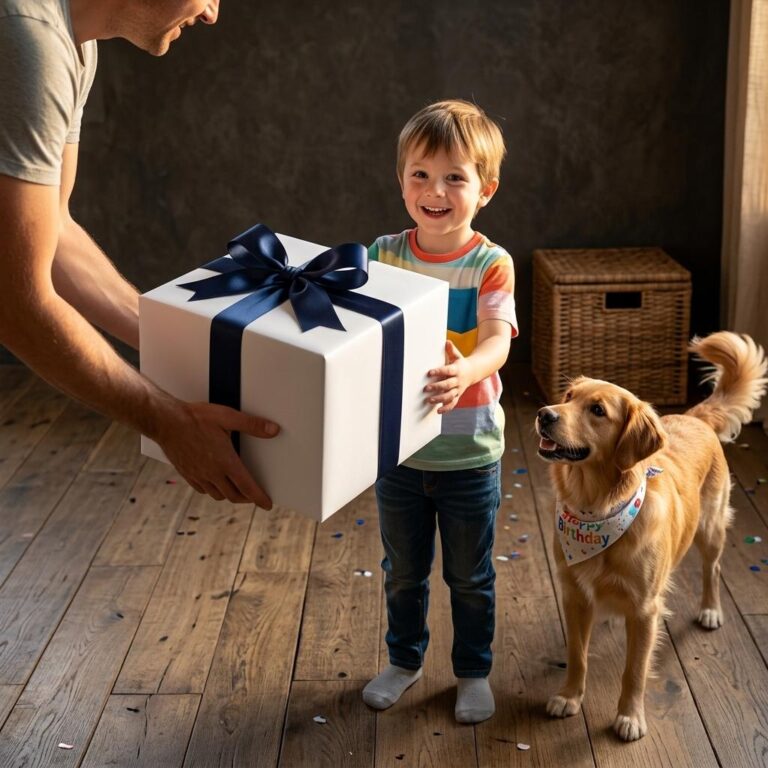
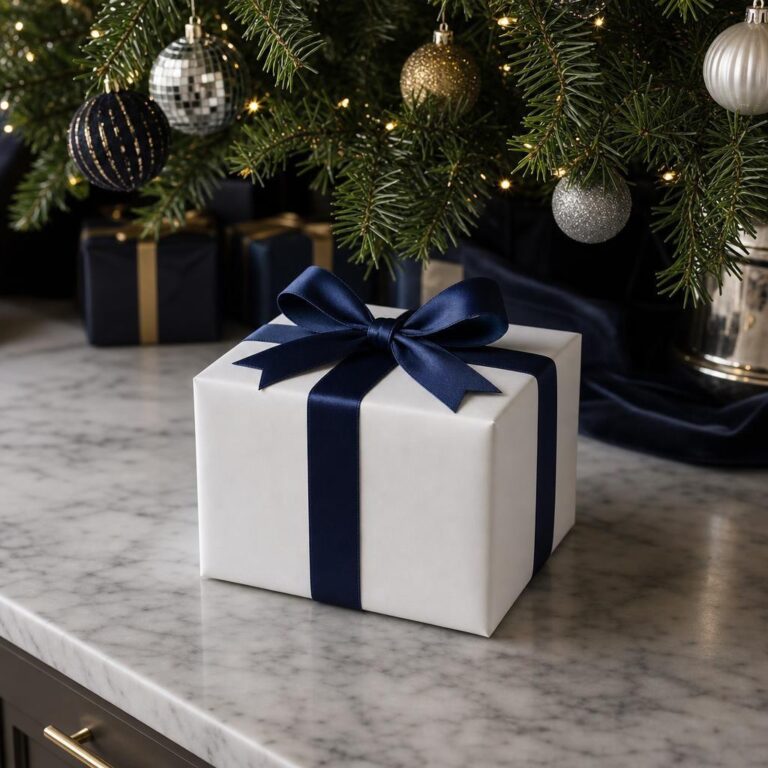
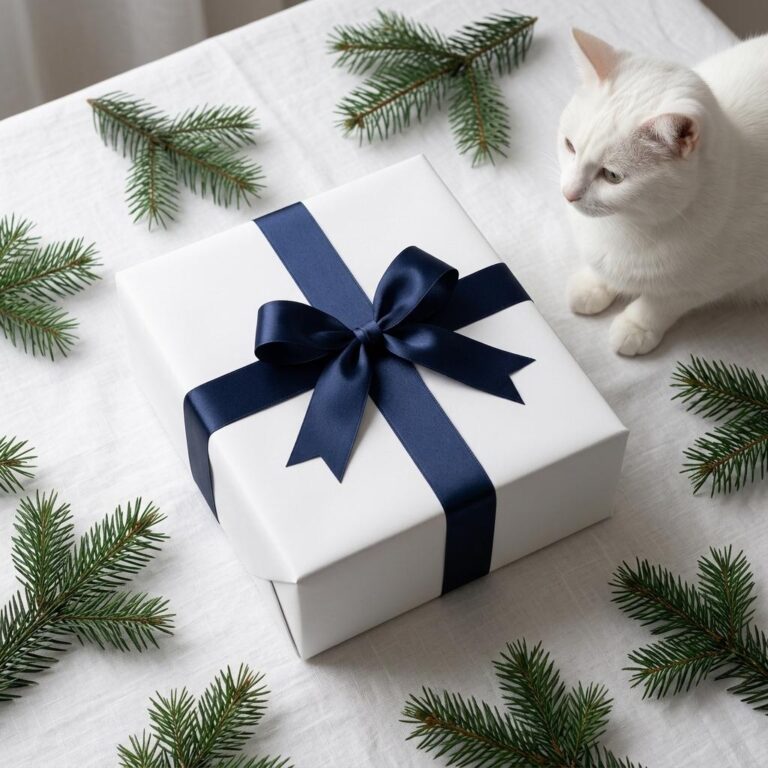
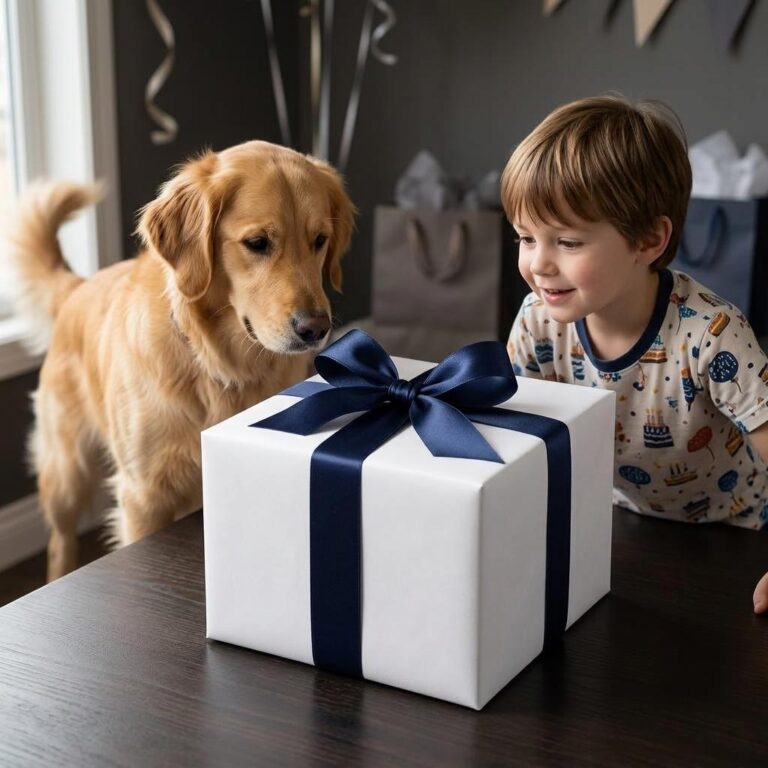
A white gift box wrapped with a navy satin ribbon and a full, well-formed bow. The template is shot from a 3/4 angle on a dark walnut surface, with soft studio light landing from the upper left and a clean charcoal-gray background behind. The result is a high-contrast, elegant scene - white box, deep navy ribbon, warm wood grain - that communicates premium packaging at a glance.
Ribbon color options
Four ribbon colors are available in the editor: Navy, Red, Green, and Purple. Swap them to fit the season or your brand palette. A red ribbon is immediately readable as a holiday gift; green suits botanical or nature-forward brands; purple signals a celebratory, upscale feel.
Who this works for
POD sellers on Etsy or Shopify use it to show customers what a wrapped, branded order looks like before it ships. Designers pitch packaging concepts to clients without booking a photo shoot. Boutiques and small brands drop it into holiday email headers and social posts when they need a gift-ready visual fast.
How to customize
Open the template in the Dynamic Mockups browser editor, upload your design to the wrap area, choose your ribbon color, and export a high-resolution image. The whole workflow takes under two minutes and requires no design software.
Perfect for
- Etsy listing hero image for a branded gift box or curated gift set product
- Shopify product page visual showing what a wrapped, custom-printed gift order looks like
- Holiday email campaign header for a POD shop promoting gift-ready packaging
- Client-facing packaging concept pitch showing logo or pattern placement on a wrapped box
- Instagram or Pinterest post announcing a seasonal gift collection or limited holiday drop
- Small brand product launch preview replacing a live photo shoot for a gift packaging line
Frequently asked questions
Can I use this gift box mockup for my Etsy shop listings?
Yes. This gift box mockup is free to use and exports as a high-resolution image, making it suitable for Etsy product listing photos. Open the template in the Dynamic Mockups browser editor, upload your design to the wrap area, choose a ribbon color, and download the finished image for your shop - no Photoshop or file downloads required.
How do I change the ribbon color on this gift box mockup?
The template includes four ribbon color options - Navy, Red, Green, and Purple - selectable inside the Dynamic Mockups editor. After opening the template in your browser, switch the ribbon color from the editor panel before exporting. No separate file is needed for each color; all four options are built into the single template.
Is this gift box mockup free for commercial use?
This template is available free through the Dynamic Mockups Public Library. You can use the exported image in commercial contexts such as online shop listings, social media ads, client presentations, and marketing campaigns. Check the Dynamic Mockups terms of use for the full licensing details applicable to your project.
What part of the box can I put my design on?
Your artwork goes on the wrap surface of the box - the main body that the ribbon crosses. The satin bow and ribbon remain as the template's fixed decorative element. This is ideal for placing a brand pattern, logo repeat, or illustrated print that would appear on custom gift wrap or a printed gift box surface.
Does this mockup work for a holiday packaging pitch to a client?
Yes. The white box, navy satin bow, and neutral studio setting give the scene a clean, premium look that translates well in pitch decks and brand presentations. You can swap the ribbon to Red or Green for a Christmas brief, or keep Navy for a year-round luxury gifting concept. The high-resolution export holds up in presentation slides and PDF documents.