What you get
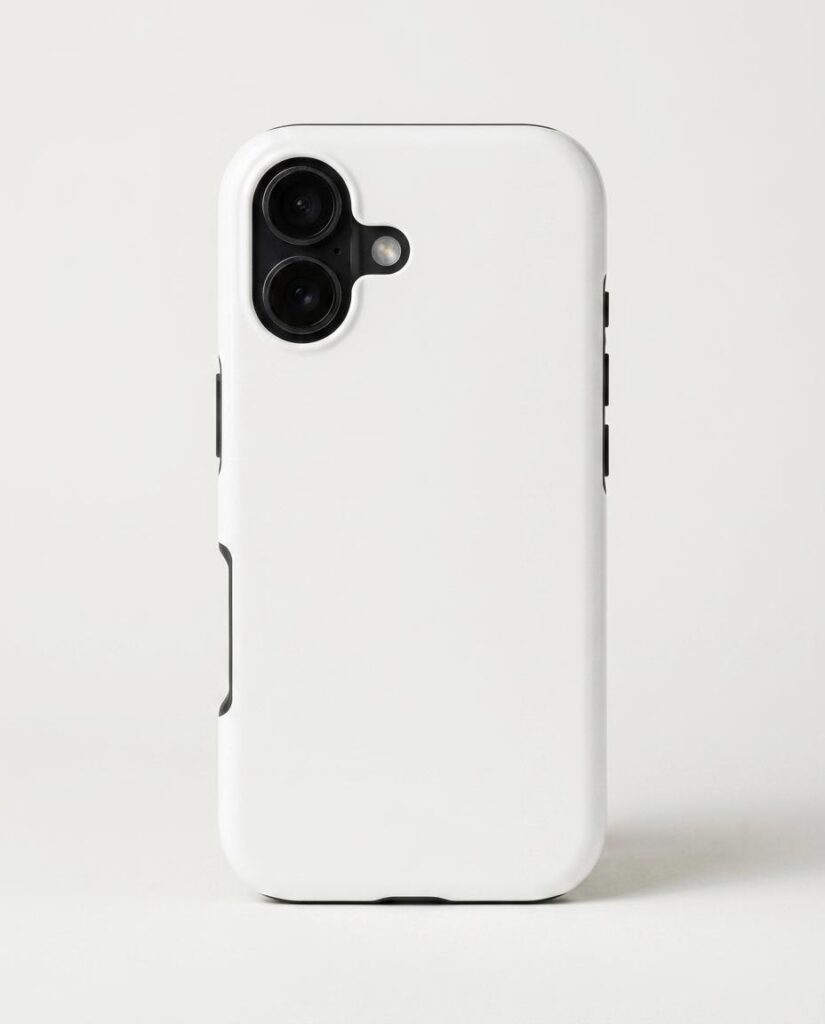
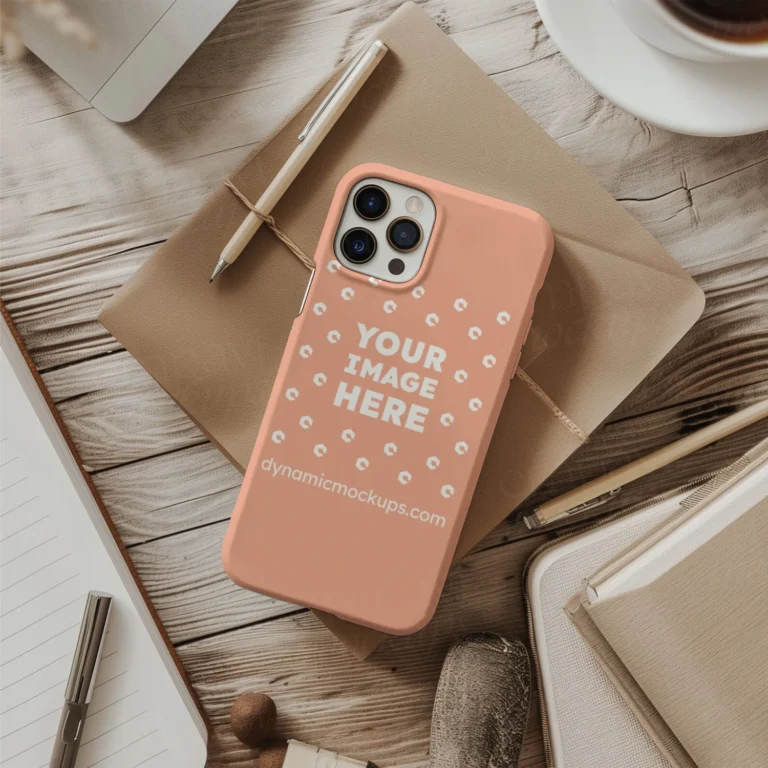
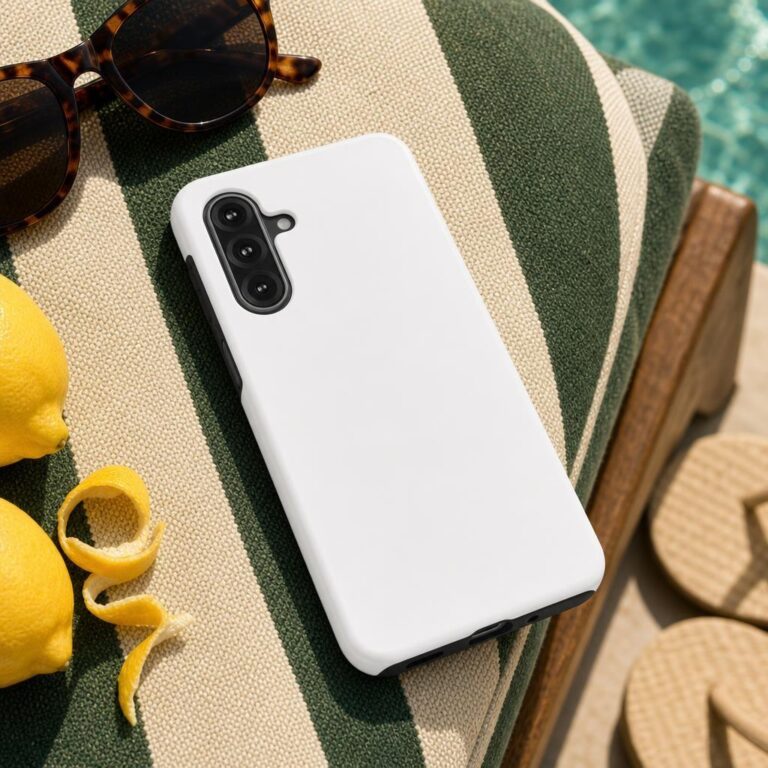
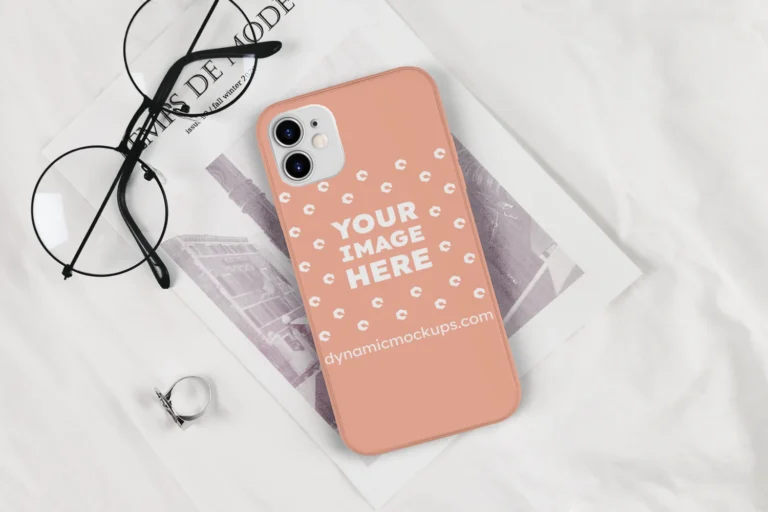
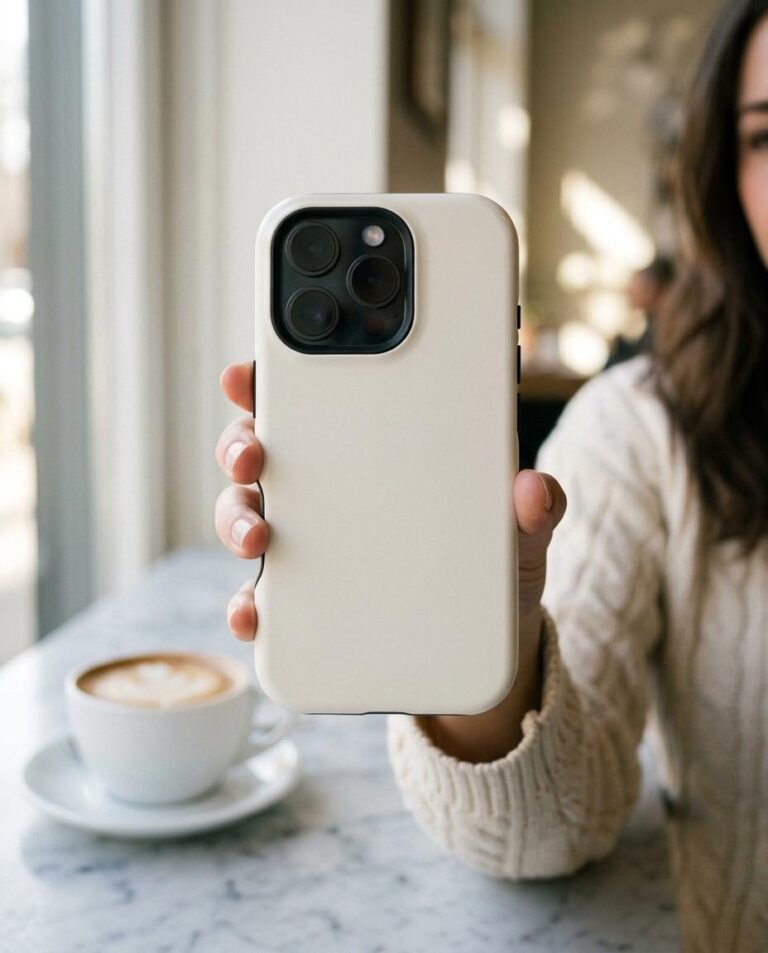
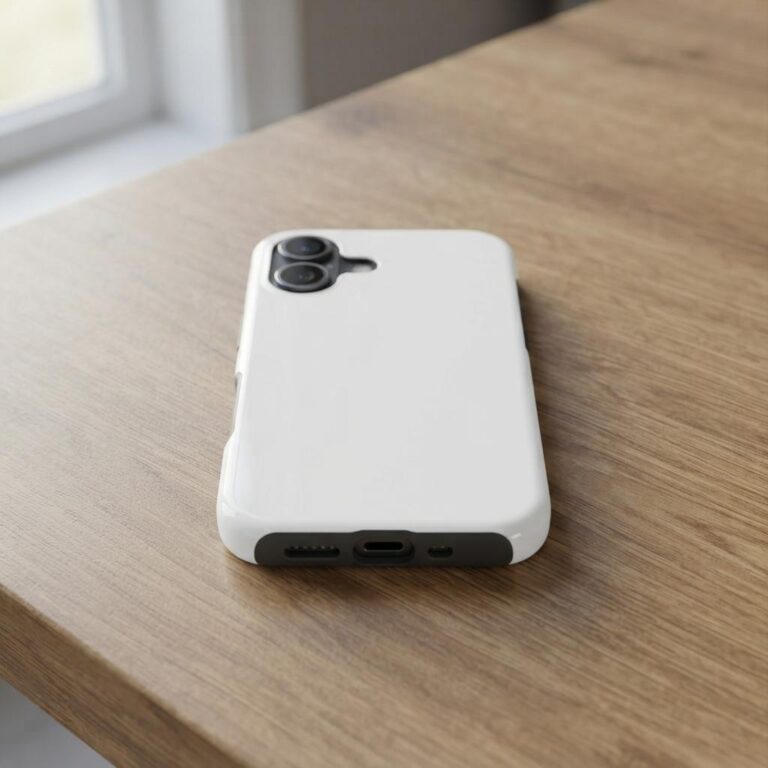
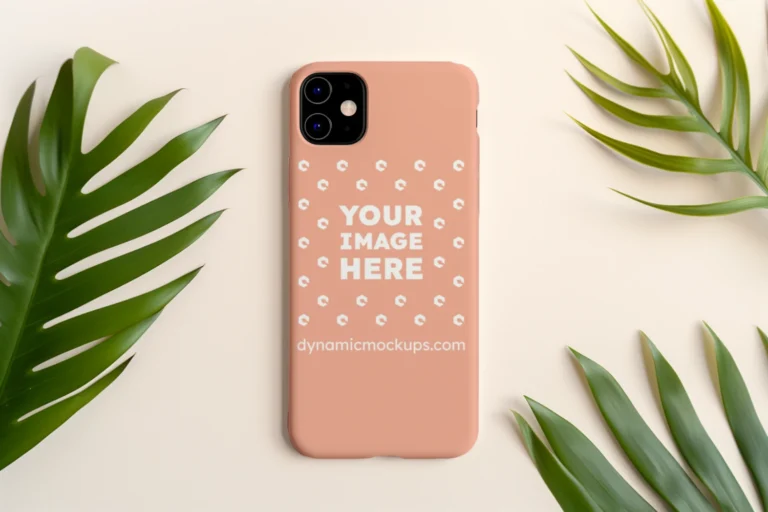
A Casestry Tough Case for iPhone 17, photographed from the back on seamless off-white paper. The entire back panel is blank smooth matte white - no graphics, no text, nothing blocking your artwork. A thin cream bumper frames the edges, and a raised dual-lens camera module sits in the top-left corner so the device reads unmistakably as an iPhone 17 rather than a generic rectangle.
Lighting is a single large softbox from the upper left, casting a gentle gradient across the backdrop and a narrow specular sheen along the right bumper edge. The case sits slightly darker than the brightest backdrop highlight - it reads as a real physical object, not a floating white shape. A soft contact shadow grounds it on the paper below.
Who uses this
POD sellers listing custom cases on Etsy, Shopify, or Amazon Merch need a product image before the first order ships. This mockup gives you that image in under two minutes, no photo shoot required. Designers presenting artwork to clients can drop any graphic onto the back panel and export a realistic preview instantly.
How to customize it
Open the template in the Dynamic Mockups browser editor, upload your design file, and position it over the back panel. The editor handles scaling and placement. Export a high-resolution PNG and use it immediately in your store listing, ad creative, or client deck.
Perfect for
- Etsy listing hero image for a custom iPhone 17 case shop selling through Casestry or Printify
- Shopify product page photo for a print-on-demand case brand launching for the iPhone 17 cycle
- Amazon Merch or Redbubble design preview showing how artwork sits on the full back panel
- Client presentation mock-up for a logo or illustration being applied to a protective tough case
- Instagram product reveal post for a POD shop dropping a new case design
- Canva or Adobe Express ad creative showing the blank case ready to receive a custom print
Frequently asked questions
Is this iPhone 17 tough case mockup free to use?
Yes. This iPhone 17 tough case mockup is free to use in the Dynamic Mockups Public Library. Open it in the browser-based editor, upload your design, customize placement, and export a high-resolution image at no cost. No account required to preview; export is available on the free plan.
Can I use this mockup image for my Etsy or Shopify listing?
Yes. Once you export your customized image from Dynamic Mockups, you can use it as a product listing photo on Etsy, Shopify, Amazon Merch, Redbubble, or any other storefront. The exported image is yours to use in your store and marketing materials.
What is the difference between a tough case and a soft case mockup?
A tough case, like the Casestry 17T shown here, is a dual-layer hard-shell case with a rigid plastic back and a soft inner bumper - it offers more drop protection than a slim soft case. A soft case mockup shows a flexible TPU shell. The two products look visually distinct, so choose the mockup that matches the case type you actually sell.
How do I add my own design to this iPhone 17 case mockup?
Open the template in the Dynamic Mockups editor using the link on this page. Click the upload button, choose your design file (PNG with a transparent background works best), and drag it onto the blank back panel. Adjust position and scale, then click Export to download your finished mockup image.
Which POD platforms sell the Casestry Tough Case for iPhone 17?
The Casestry Tough Case for iPhone 17 (style 17T) is available through Casestry's own POD fulfillment. Many Etsy sellers and Shopify store owners use Casestry alongside Printify and Printful to fulfill custom phone case orders. Check each platform for current iPhone 17 case availability.