What you get
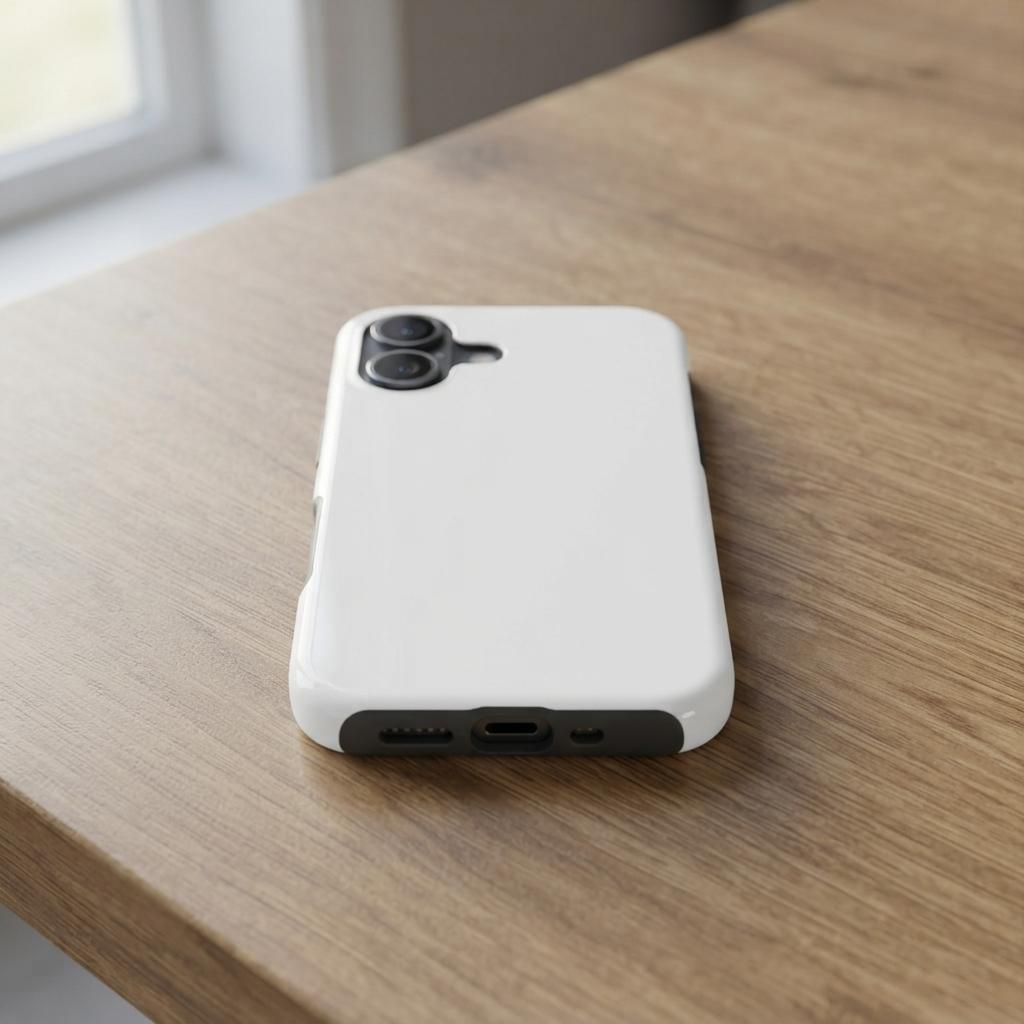
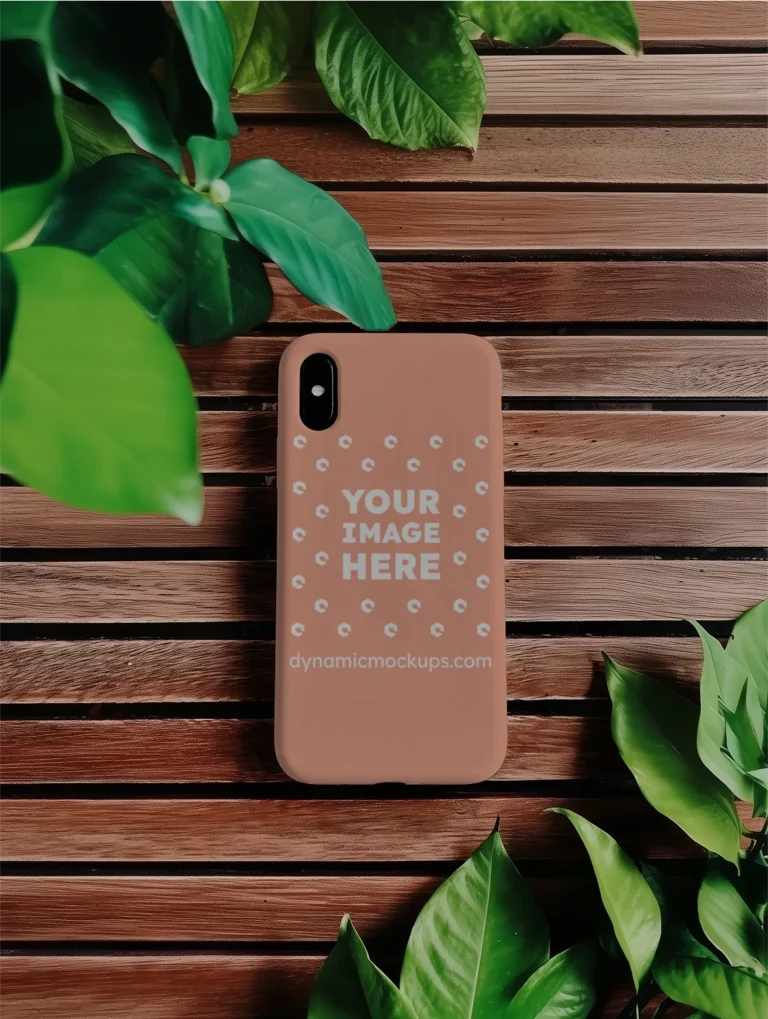
A photorealistic lifestyle scene: a white Casestry Tough Case for iPhone 17 resting on a honey-toned oak kitchen table under soft, diffused window light. The warm wood grain and clean white case surface create a calm, Scandinavian-influenced backdrop that pairs with almost any design style - bold typographic prints, fine-line illustrations, or minimal logo work.
Camera cutouts and the charging port are visible at the base of the case, so buyers see exactly what the product looks like before they order. That detail matters on Etsy, where buyers read listing images as closely as they read reviews.
Who reaches for this template
POD sellers listing iPhone 17 cases need more than one front-facing render. A lifestyle scene like this sits beside the main listing photo and tells buyers where the case lives in a real day - on a kitchen table, a bedside surface, a desk. The warm, neutral setting does not compete with the design; it frames it.
Freelance designers use the wood-and-white backdrop to present case artwork to clients in a setting that reads as a real product shot rather than a studio composite.
How to customize it
Open the template in Dynamic Mockups, upload your design file, and the browser-based editor places it on the print surface automatically. Adjust sizing and position, then export a high-resolution PNG. No Photoshop, no plugins, no file prep before you start.
Perfect for
- Etsy secondary listing image for iPhone 17 tough case POD drops - the oak table setting adds lifestyle context without distracting from the design
- Shopify product page scene showing the white case in a real home environment to reassure buyers on build quality before purchase
- Instagram or Pinterest feed post for a phone case brand where warm wood and window light read as authentic product photography
- Client presentation showing custom case artwork in a grounded, everyday setting rather than a plain white product background
- Amazon Merch or Redbubble listing thumbnail where a lifestyle scene increases clicks over a flat render
Frequently asked questions
Is this iPhone 17 tough case mockup free to use?
Yes. This template is part of the Dynamic Mockups Public Library, which is free to use. Open the template, drop in your artwork, and export a high-resolution image at no cost. The full editing and export workflow requires no credit card or paid subscription to get started.
What phone case does this mockup show?
The mockup features a Casestry Tough Case for iPhone 17 (style 17T) in white. It is a dual-layer hard shell case used by POD sellers on Printify and Podbase. The scene shows the back of the case lying on a warm oak kitchen table, with camera cutouts and charging port visible.
Can I use this mockup image in my Etsy listing?
Yes. Images you export from Dynamic Mockups templates can be used on Etsy, Shopify, Amazon Merch, or any other sales channel. The lifestyle scene - white case on a warm oak table in soft window light - works particularly well as a secondary listing image alongside a front-facing product photo.
Do I need Photoshop to edit this mockup?
No. Dynamic Mockups is a browser-based editor. You upload your design file directly in the editor, adjust placement on the print area, and download the finished image as a high-resolution PNG. No Photoshop, no plugins, and no software to install before you start.
What design styles work best on this mockup?
This template's neutral backdrop - warm oak wood grain and a white case surface in diffused window light - pairs with most design styles. High-contrast designs such as dark artwork or bold type on the white case tend to read most clearly in the finished image. Minimal and line-art styles also photograph well against this setting.