

Brooched Mockup Templates
Brooched mockup templates place your pin, crystal clip-on, or heirloom brooch design on styled garments – blazers, suit lapels, dress shirts – in scenes built around the current wave of maximalist and heritage accessory styling. Your design sits in context, on real fabric, so buyers can picture exactly how it looks worn.
Upload your artwork and the template positions it on the brooch or pin surface within the scene. Adjust the fit, download a high-resolution image, and you have a shop-ready listing photo or lookbook visual in seconds.
Formats
- PSD
- PNG
- Online editor
- API
Compatible with
- Photoshop
- Illustrator
- Canva
- Figma
Popular Brooched Mockup Templates
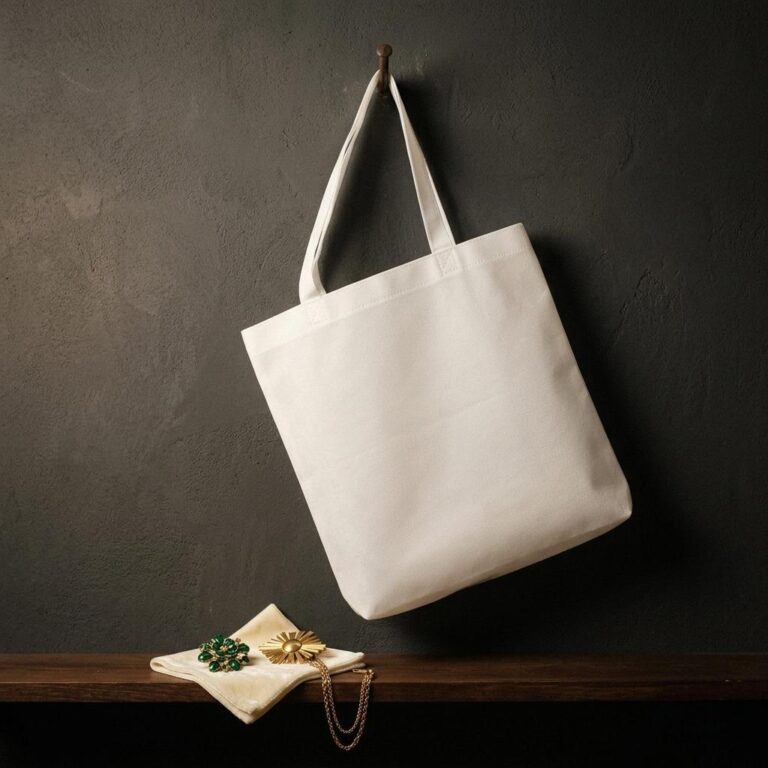 Non-Woven Tote Bag Mockup on a Charcoal Plaster Wall
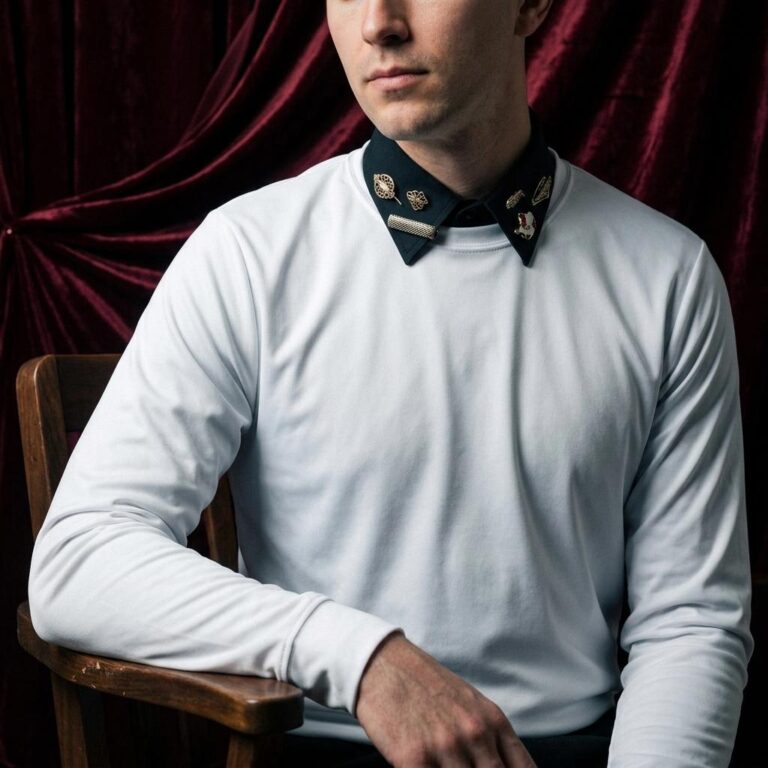 Long Sleeve T-Shirt Mockup with Burgundy Velvet Studio Backdrop
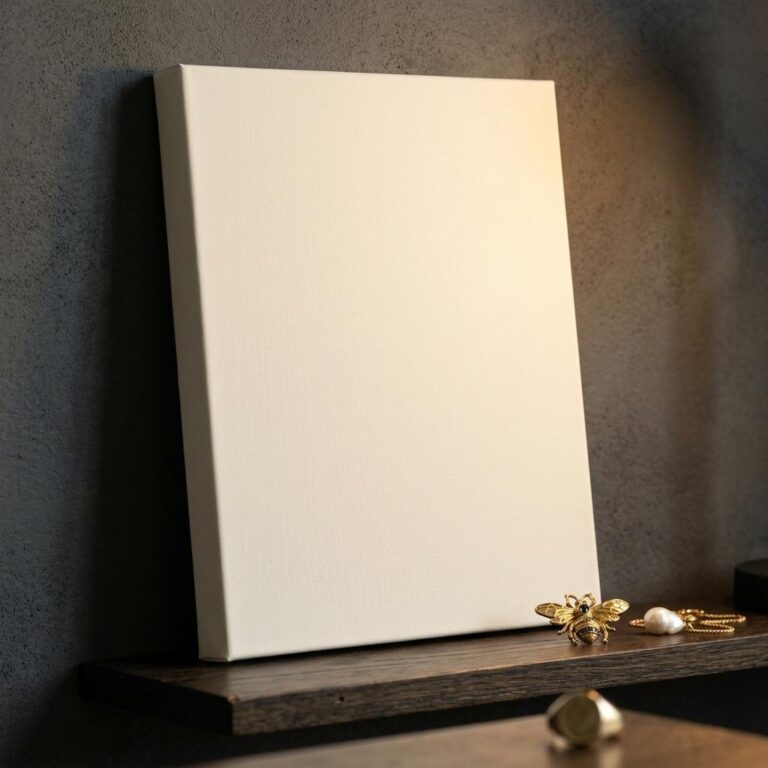 11×14 Canvas Wrap Mockup on a Dark Oak Shelf
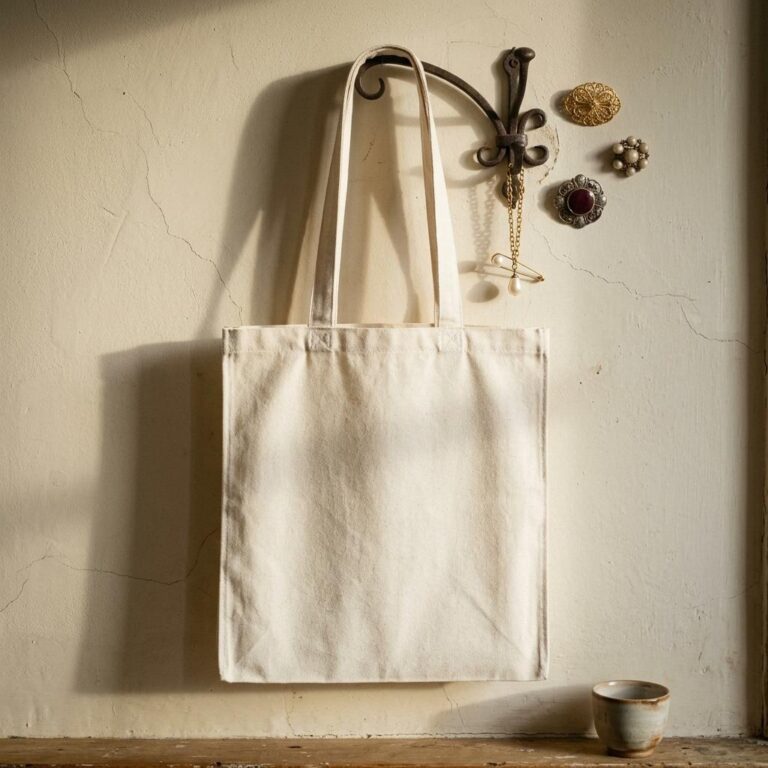 Recycled Canvas Tote Bag Mockup with Vintage Iron Hook Setting
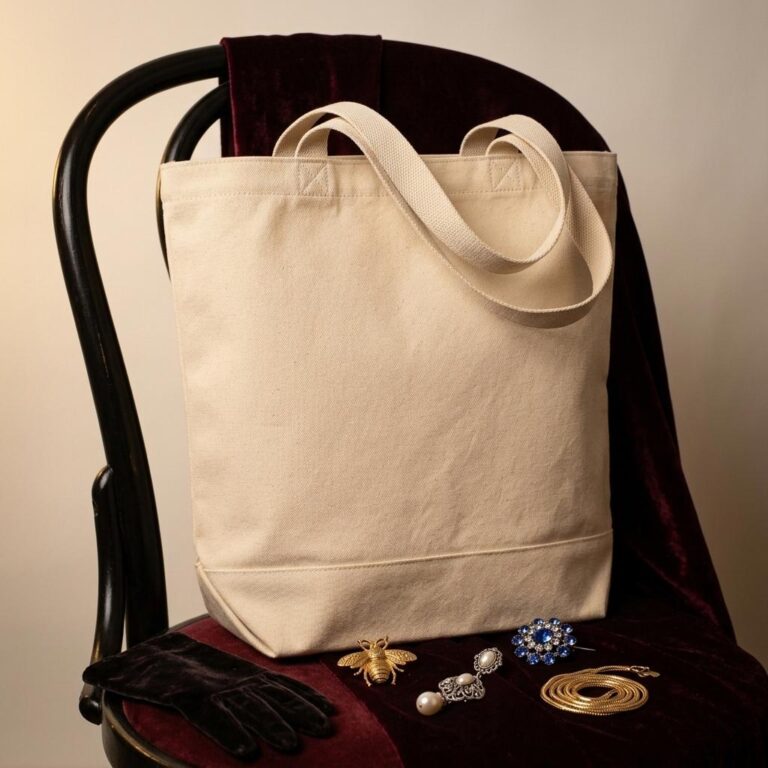 Large Cotton Canvas Tote Bag Mockup with Dark Academia Vintage Styling
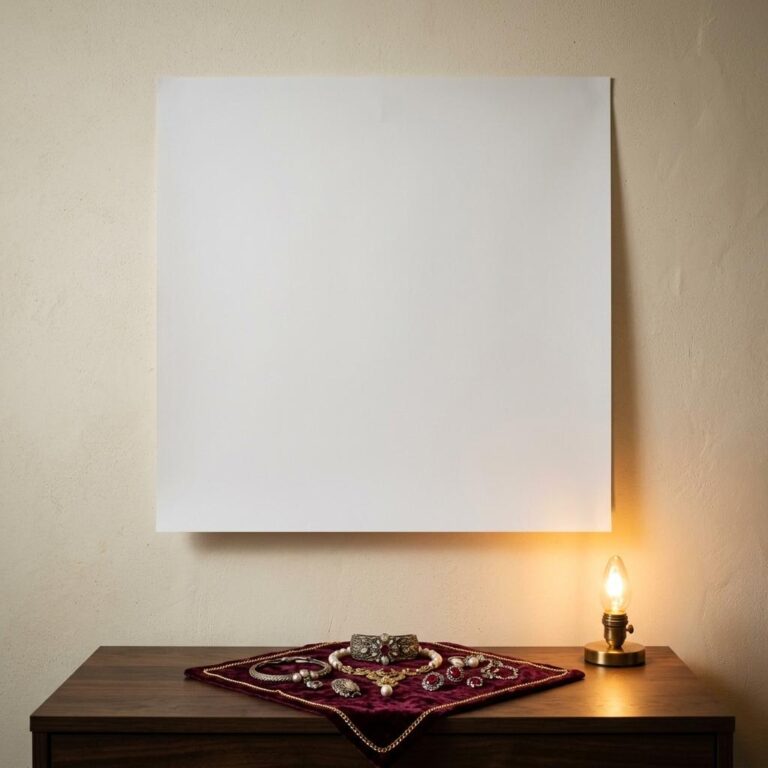 Free Square Poster Mockup with Candlelit Brooch Display
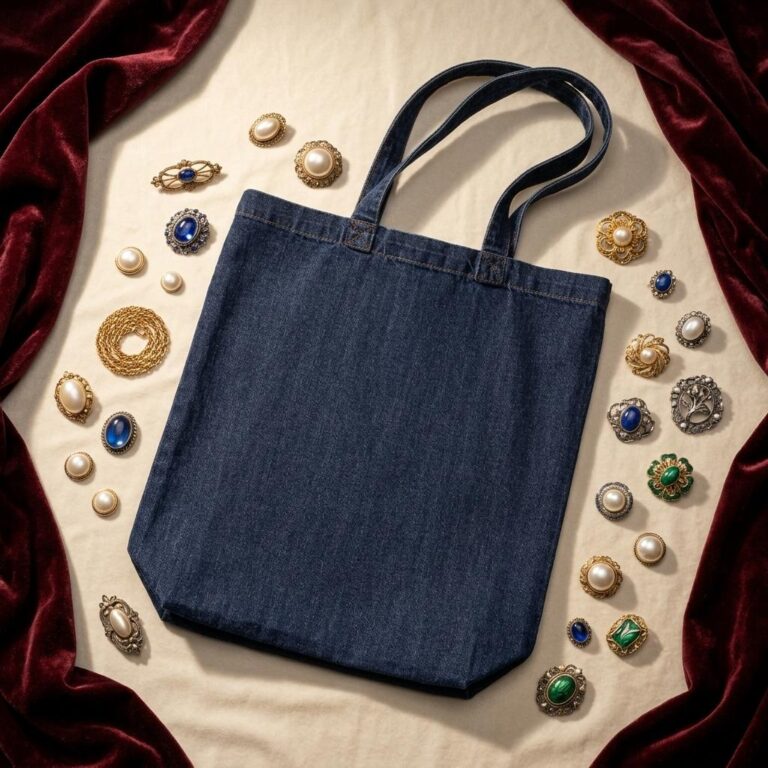 Denim Tote Bag Mockup - Antique Brooch Flat Lay on Ivory Velvet
 Men’s Performance Tee Mockup - Warm Hallway, Olive Blazer Scene
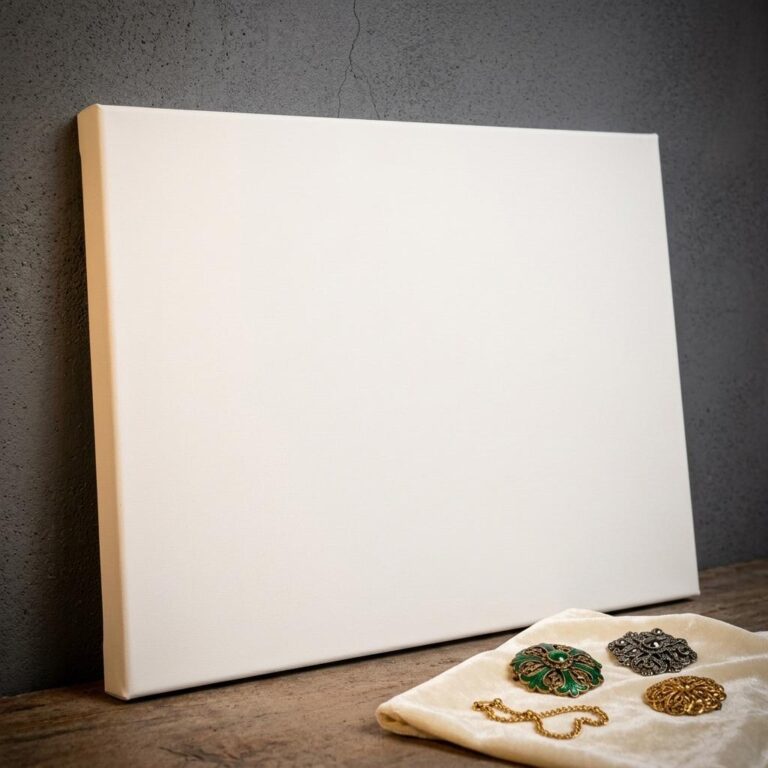 Free Wrapped Canvas Mockup with Vintage Brooch Still Life
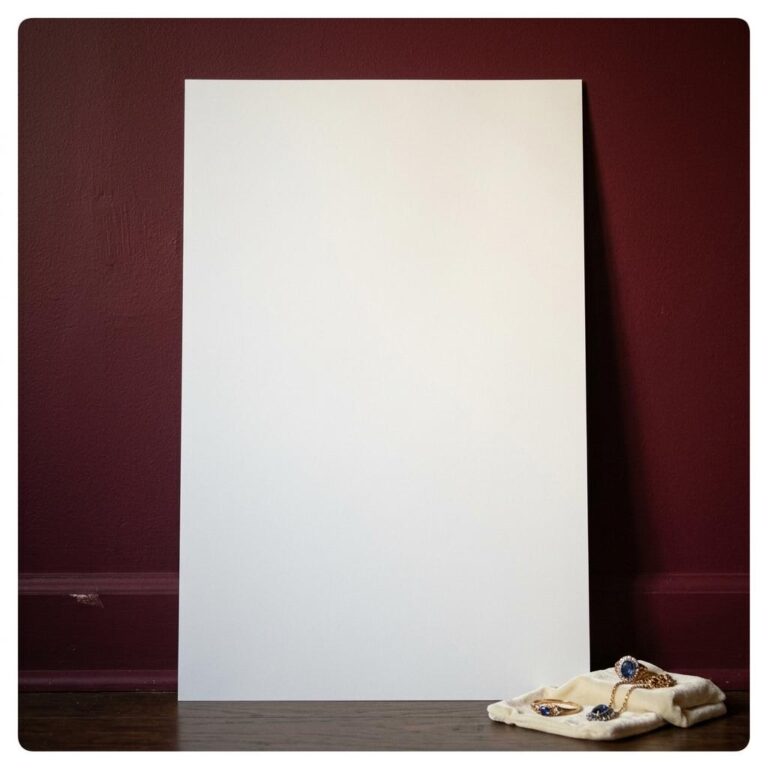 Vertical Poster Mockup on a Burgundy Wall with Jewellery Styling
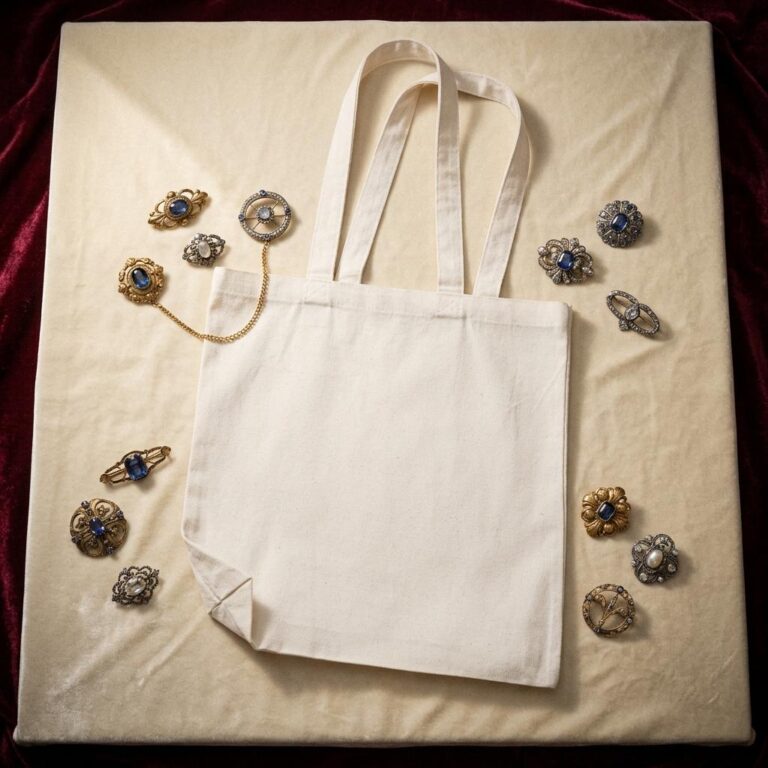 Flat Lay Canvas Tote Bag Mockup with Vintage Brooch Styling
Where they go
Create Brooched mockups for every platform
-
Print-on-demand stores
Product listings for Etsy, Amazon Merch, Redbubble and the rest. Upload your design, pick your brooched colour, and download a marketplace-ready image in seconds — no photography.
-
Shopify & e-commerce
A consistent catalogue of brooched mockups across Shopify, WooCommerce or BigCommerce. The Shopify integration and the API automate it for your whole inventory.
-
Social & advertising
Scroll-stopping images for Instagram, Facebook, Pinterest and TikTok. Lifestyle brooched mockups outperform flat product shots in both ads and organic posts.
-
Agencies & freelancers
Present brooched concepts to clients photorealistically. High-resolution exports for pitch decks and portfolios, and bulk generation for whole collections.
How it works
How to create a Brooched mockup
Three steps to a professional product image.
-
Choose a template
Browse the brooched mockups and filter by colour, style, angle or model. On-model lifestyle shots, flat lays, hanging views, ghost mannequins and 3D renders — every one free to preview.
-
Upload your design
Drop your artwork, logo or pattern onto the template and set its placement, size and rotation in the online editor — or download the PSD and finish it in Photoshop or Illustrator.
-
Download and use
Export a high-resolution PNG for your Etsy listings, Shopify pages, social posts or client decks. Need hundreds? The API generates them automatically.
Frequently asked questions
What people ask about Brooched mockups, and the short answers.
Talk to Human →What Is a Brooched Mockup?
A brooched mockup is a photorealistic template that shows a brooch, pin, or lapel accessory design placed on a styled garment - typically a suit jacket, blazer, or dress shirt. It lets you show buyers exactly how the piece looks worn without staging a product shoot. You upload your artwork, the template handles placement, and you download a finished image ready for your shop or portfolio.
How Do I Add My Design to a Brooched Mockup Template?
Open any template in the Dynamic Mockups browser editor, upload your artwork file, and the editor maps it onto the brooch or pin surface in the scene. You can adjust scale and positioning before exporting. No Photoshop or installed software is needed - the entire process runs in your browser in a few minutes.
Are Brooched Mockup Templates Free to Use?
Yes. Every template in the Dynamic Mockups Public Library is free to use. Open a brooched mockup, drop in your design, and download the result at no cost. No subscription is required to generate and save your image.
Can I Use These Mockup Images in My Shop Listings and Ads?
Images you create with these templates can be used in online shop listings, social media posts, ad creatives, and client presentations. The mockup is a tool for visualising your design, and the exported image is yours to use commercially. Check the Dynamic Mockups terms of use for full licensing details.
What Products and Scenes Do These Mockups Cover?
The brooched mockup collection features suits, blazers, dress shirts, and tailored jackets styled with pins, crystal clip-ons, and vintage-inspired brooches on lapels, breast pockets, and collars. Scenes are built to match the current maximalist and heirloom accessory trend, giving your listings a contemporary fashion context rather than a plain product-against-white-background look.
Your design on a brooched, in seconds.
Pick a template, drop your artwork on it, export. Free to start, no credit card.