A strong product visual is often the difference between someone clicking add to cart or leaving your store. Mockups make it easier for customers to imagine your design on a real product — which is why e-commerce sellers and marketers rely on them heavily.
Today, you don’t need Photoshop skills or a graphic designer to get professional visuals. Tools like MockupBro and Placeit give you ready-to-use templates, drag-and-drop uploads, and fast downloads. But the choice depends on what you need:
- MockupBro is quick, free, and simple, perfect for testing ideas.
- Placeit is larger, paid, and more flexible, with video mockups, thousands of templates, and brand asset features.
In this guide, we’ll break down MockupBro vs Placeit side by side, highlight where each shines, and show why Dynamic Mockups is the next step if you’re ready to automate your workflow and scale production.
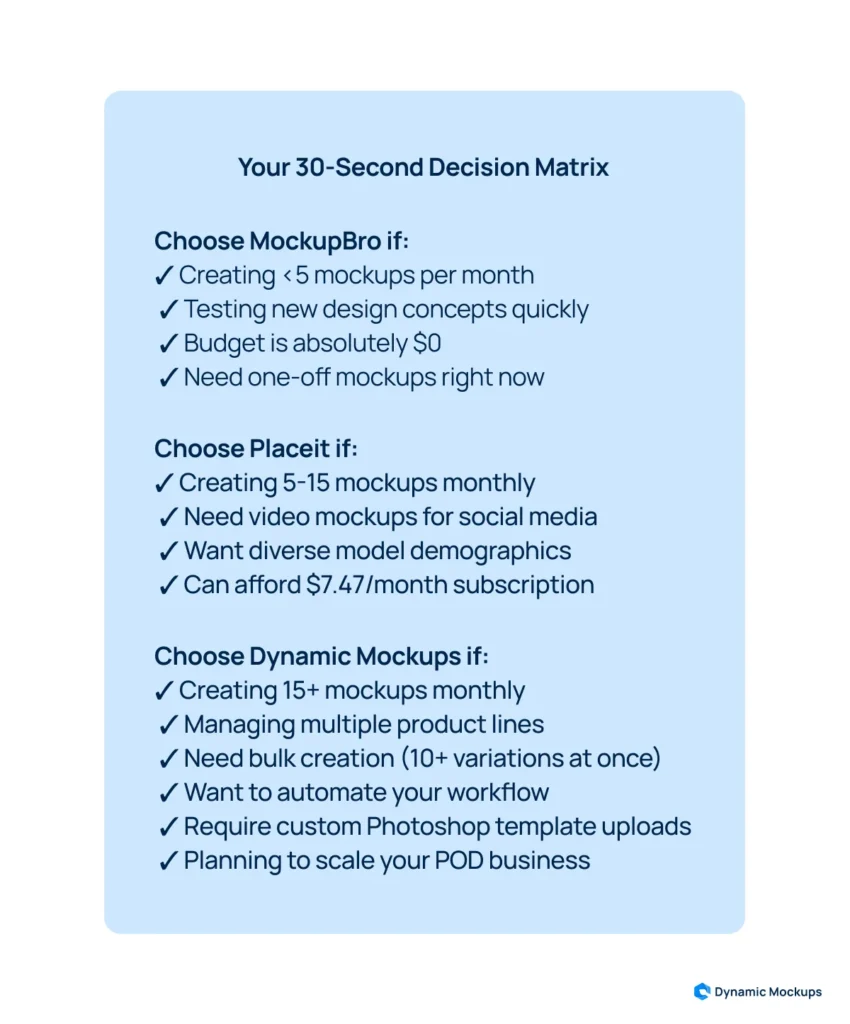
✅ Quick tip: Use MockupBro if you’re testing a new idea. Use Placeit when launching a full collection. Try Dynamic Mockups when you’re ready to scale fast without doing everything manually.
MockupBro vs. Placeit: Major Differences
Before we go into details, see the table below for a quick overview of the differences between MockupBro and Placeit.
| MockupBro | Placeit | |
| Best For | Quick one-off mockups, small teams, or budget users | Marketers, e-commerce sellers, content creators, and brand designers |
| Design Editor | Drag-and-drop, auto-fit | Full editor with live preview and text/image layers |
| Mockup Customization | Change background color only | Adjust design, text, fonts, colors, and layout |
| Design Editor | Drag-and-drop, auto-fit | Full editor with live preview and text/image layers |
| Video Mockups | Not available | Animated mockups and logo videos |
| Account Required | No | Yes, for saving and downloading designs |
| Pricing | Free | $7.47/month (billed annually) |
| Template count | Around 200 | More than 43000 |
MockupBro Overview
MockupBro is a free browser-based mockup tool designed for speed and simplicity. You pick a template, upload your design, adjust the background color, and download instantly. It’s a practical choice for people who don’t want subscriptions or software installs.
MockupBro: Key Features
- Web-based editor: No installation or registration. Works in seconds on desktop or mobile.
- Drag-and-drop uploads: Automatically resizes and aligns your design.
- Background color picker: Adjusts visuals to match your branding.
- Instant preview and download: See your design immediately and save high-res PNGs without watermarks.
- Template categories:
- Apparel (t-shirts, clothing tags, accessories)
- Branding products (business cards, mugs, packaging)
- Tech (laptops, smartphones, tablets)
- Outdoor advertising (billboards, signage)
MockupBro Pros
- 100% free, no account needed
- High-res, watermark-free downloads
- Very fast and beginner-friendly
- Covers core mockup categories
MockupBro Cons
- Small template library (~200 templates)
- Limited customization (no text, fonts, or scene edits)
- No lifestyle mockups or video support
- Pop-up ads can distract from workflow
Pricing
MockupBro is completely free. No subscription required.
Placeit Overview
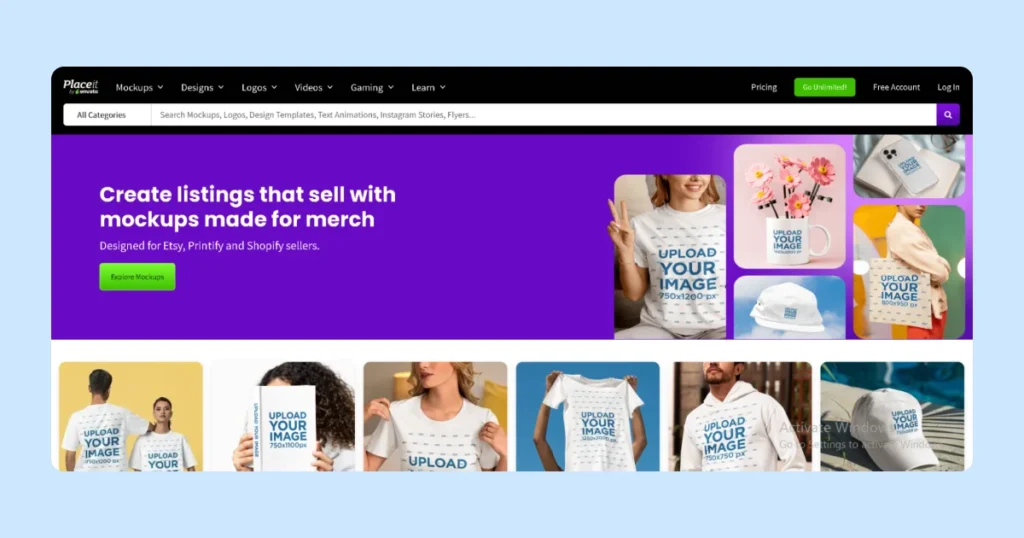
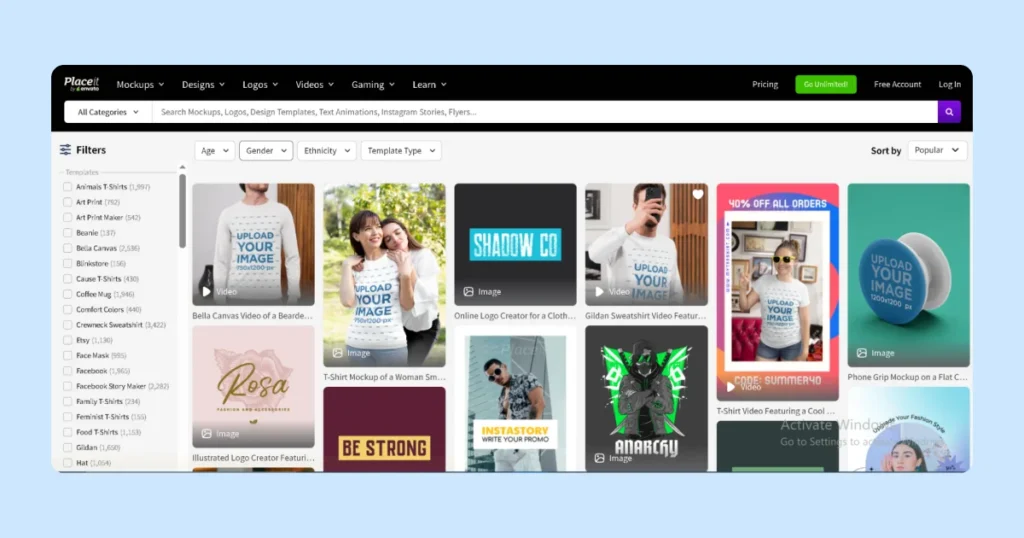
Placeit is a full design and branding platform with one of the largest mockup libraries online. With over 43,000 templates, it covers nearly every product and use case. It’s subscription-based, but it includes advanced customization, video mockups, and even logo design.
Placeit: Key Features
- Extensive template library: Clothing, print products, tech devices, seasonal and lifestyle scenes.
- Customization tools: Change fonts, colors, text, layouts, or add extra graphics.
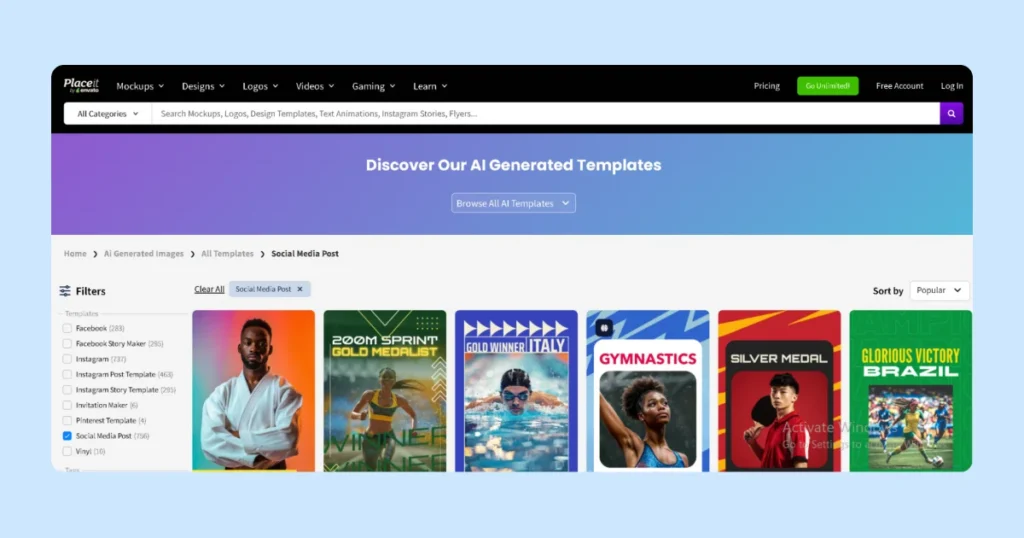
- Video mockups: Apparel on rotating models, products in use, logo animations, and social media videos.
- Scene and model filters: Narrow down templates by demographics, setting, or occasion.
- Image tools: Background remover, resizer, video cropper, video-to-GIF converter.
- Brand asset storage: Save logos, fonts, and colors for consistent output across campaigns.
- Commercial licensing: Paid accounts include commercial rights for marketing, e-commerce, and client work.
Placeit Pros
- Huge library of 43,000+ templates
- Real-time customization with previews
- Includes videos and animations
- Supports targeted content with filters
- Commercial licensing for business use
Placeit Cons
- Requires subscription for full downloads
- No batch export or bulk uploading
Higher cost for small users compared to free tools
Pricing
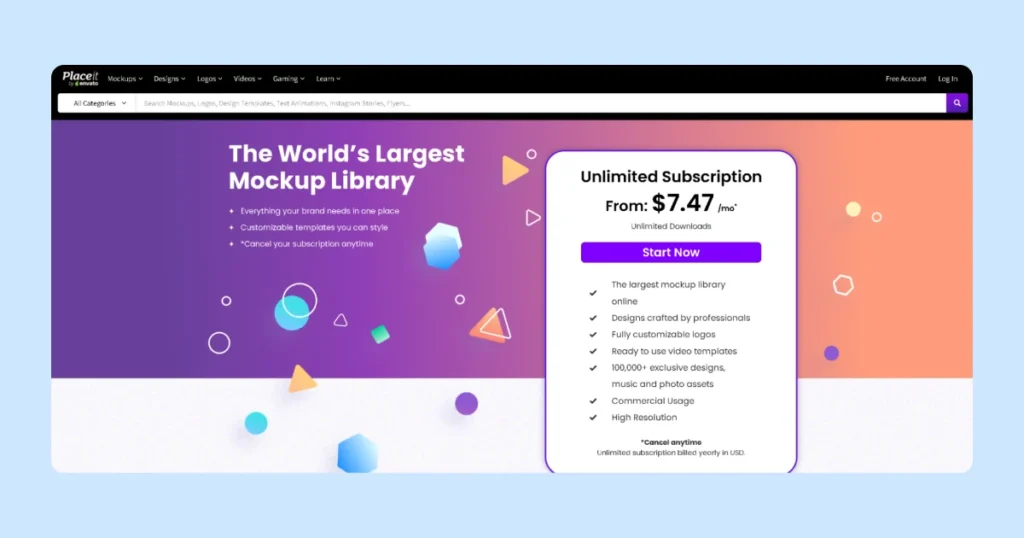
You can browse and try out templates for free. However, downloads are watermarked unless you’re on a paid plan. The subscription is $7.47/month (when billed annually) or $14.95/month on a monthly plan.
MockupBro vs Placeit: Which One Should You Choose in 2025?
Now that you know what both tools can do, choosing between MockupBro and Placeit boils down to how much flexibility and variety you need.
If all you need is a simple, polished mockup that’s fast and free, MockupBro gets the job done. It’s ideal for small teams or when you want a clean visual without extra steps or costs.
Placeit, on the other hand, is best for content creators, marketers, and sellers who need more control. It offers thousands of templates, built-in models, and even video mockups, so you can be consistent across campaigns and channels. If visual content is central to your business, the subscription is worth it.
Still, both tools are manual. You can’t automate mockup creation or create batch designs. As your store grows, managing multiple mockups manually becomes time-consuming and repetitive.
That’s where Dynamic Mockups comes in. It gives you the control of Photoshop, the speed of mockup generators, and the power of automation, all in one tool.
Dynamic Mockups: Built for Scaling
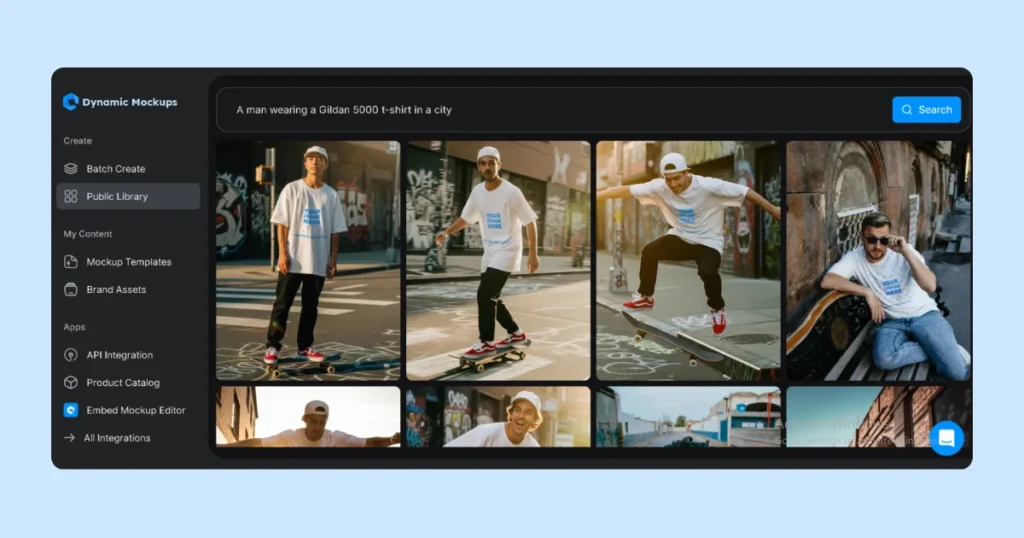
If you’re serious about scaling, Dynamic Mockups combines speed with automation. Instead of repeating the same process, you can generate entire batches at once, save designs, and connect directly to your store.
Here’s what makes us different:
- Smart design placement: Place your design with a single click in pixel-perfect positioning. Add depth and realism to your mockups using our blending modes and layout tools.
- Design library: Save and arrange your designs to reuse them without uploading. Great for building product lines or updating seasonal collections.
- API access: Use our API to position and resize designs on your site. Install it once and allow the system to do the automation with Photoshop.
- Platform integrations: Connect with platforms like WordPress and Etsy, and keep your workflow clean.
- Bulk mockup generation: Upload several designs or color options and create up to 100 mockups within seconds.
- Template library: Search and download a library of free mockups of popular POD products such as hoodies, mugs, wall art, and even blankets. Our templates are fully editable and built for real use.
- Embeddable editor: Allow your customers to customize products on your site. No additional tools, no additional plugins, just a simple editor that they can use in real-time.
Our mockup generator gives you speed, control, and flexibility.
💡Try Dynamic Mockups for free today and see the difference.