A product launch today doesn’t rely on a handful of mockups, it relies on an entire ecosystem of visuals. From ecommerce storefronts to social ads, investor decks to app stores, every channel demands consistent, branded assets delivered at speed.
For small teams, Artboard Studio often feels like the perfect fit: it’s polished, browser-based, and straightforward to learn. But as your content pipeline matures, its limits become harder to ignore. Lack of PSD control, minimal automation, and missing integrations can slow down launches just when speed matters most.
That’s why many growing teams are now asking: what comes after Artboard Studio?
This article brings together seven smart alternatives, tools built not only for quick visuals but for scale, automation, and team collaboration. Whether you need bulk mockup generation, PSD workflows, or API-driven automation, these platforms show how modern design ops can keep up with the pace of business.
Why You Might Be Looking for a Change
Artboard Studio gets a lot right. It’s beginner-friendly, browser-based, and solid for small teams or solo creatives.
But if you’re:
🟢 producing visuals at scale
🟢 coordinating across departments
🟢 updating assets across platforms
…you might feel limits around PSD-based control, automation hooks, and deeper integrations with your stack. If your workflow relies on PSD smart-layers, programmatic rendering, or batch exports, consider tools that explicitly support PSD uploads and APIs.
What to Look for in a Next-Gen Mockup Tool
A great interface is nice. When launches, approvals, and deadlines collide, what matters is fit with your workflow:
- PSD file support — smart layers and editable assets for precise control.
- Automation — remove repetitive tasks and generate variations.
- Bulk processing — create hundreds of mockups in minutes.
- Integrations — Shopify/Etsy connections, Zapier/Make, or your internal tools.
- Team collaboration — shared libraries, comments, versioning.
- Flexible templates — tweak layouts, angles, and scenes quickly.
Where most teams hit friction: desktop tools without bulk export, web tools without PSD support, or platforms without an API. The alternatives below address these gaps to different degrees.
For context, see the short Feature Snapshot table:
– Mockuuups has an API and Figma plugin, but its desktop app does not bulk-export.
– Mediamodifier offers a Mockup API (including PSD-to-template).
– Placeit confirms no PSD files are provided.
– Renderforest exposes a public REST API/SDKs
A Quick Look at Our Top 7 Artboard Studio Alternatives
- Dynamic Mockups – Best for branded visuals, automation, and PSD workflows
- Mockuuups Studio – Best for simple, device-based UI mockups
- Canva Smartmockups – Best for quick, non-designer-friendly visuals
- Mediamodifier – Best for browser-based design with wide template range
- Visme – Best for turning visuals into branded business presentations
- Placeit – Best for lifestyle scenes and scroll-stopping mockups at volume
- Renderforest – Best for teams combining video, branding, and static visuals
| Tool Name | Best For | Pricing Summary |
| Dynamic Mockups | Branded visuals, automation, and PSD workflows | Pro plan: $10/month (includes 1000+ mockups, PSD support, unlimited manual/credit-based bulk downloads, no watermarks, free trial). Custom plan: Contact for tailored enterprise solutions (API, embedded editor, white label, volume discounts). |
| Mockuuups Studio | Simple, device-based UI mockups | Free plan (limited mockups). Professional plan: $20/month or $12/month annually ($144/year) for unlimited mockups and 4K exports. Team plan: $30/user/month or $18/user/month annually ($216/user/year) for up to 5 users. |
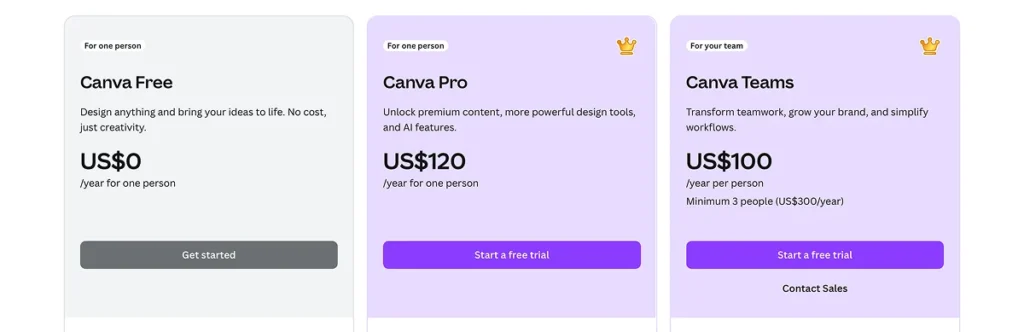
| Canva Smartmockups | Quick, non-designer-friendly visuals | Canva Free plan (basic features). Canva Pro plan: $14.99/month or $119.99/year ($9.99/month), includes full Smartmockups access. Canva for Teams: Starts at $30/month for 5 people (billed annually at $300). |
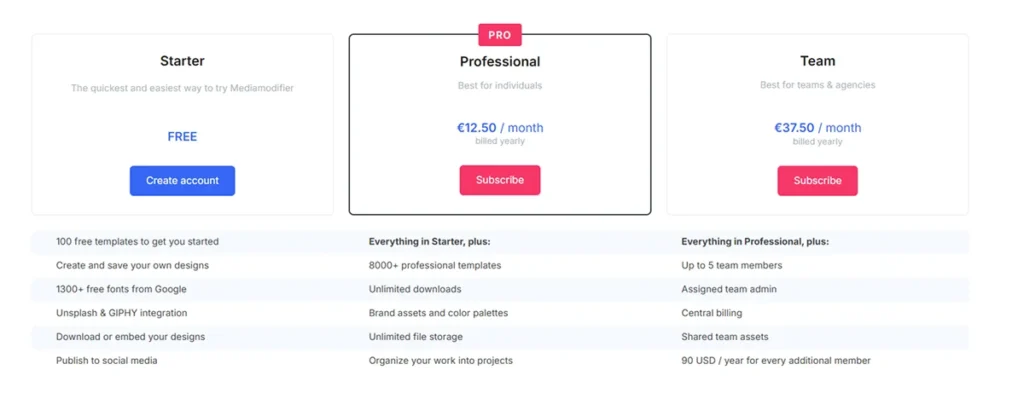
| Mediamodifier | Browser-based design with wide template range | Free Basic plan. Professional plan: $25/month or $12.50/month annually ($150/year) for unlimited downloads and 8000+ templates. Team plan: $45/month or $37.50/month annually ($450/year) for up to 5 members; additional members at $9/month ($7.50/month annually). |
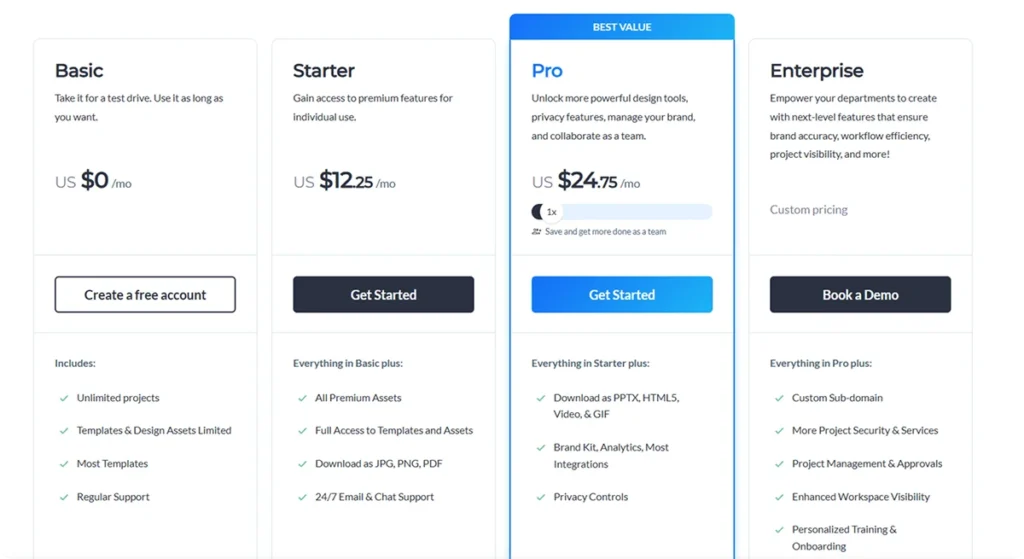
| Visme | Turning visuals into branded business presentations | Free Basic plan. Starter plan: $12.25/month annually for individuals. Pro plan: $24.75/month annually for teams (advanced tools, brand kit). Enterprise plan: Custom pricing for large organizations (enhanced security, dedicated support). |
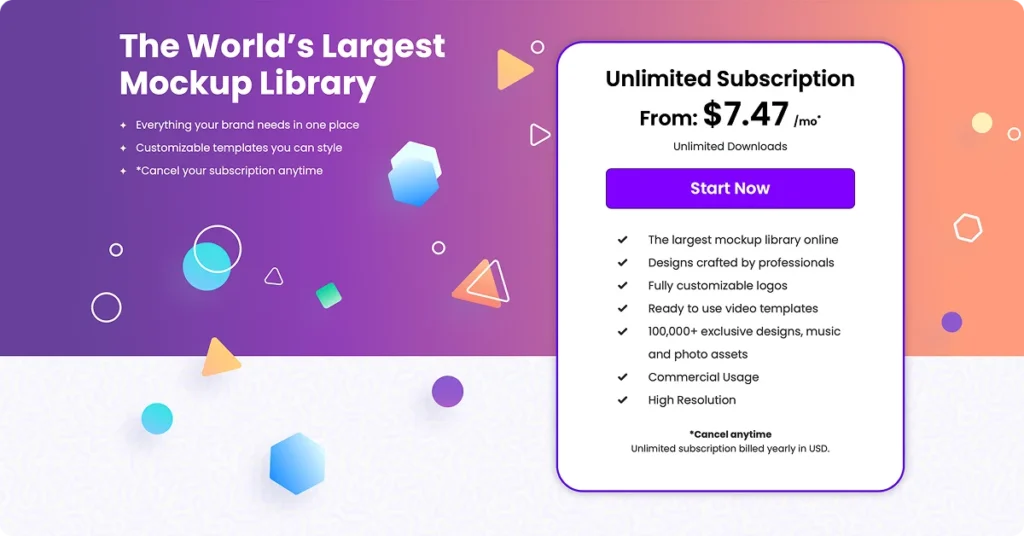
| Placeit | Lifestyle scenes and scroll-stopping mockups at volume | Free tier (watermarked). Unlimited subscription: $14.95/month or $89.69/year (50% savings) for full access to all assets. Individual templates can be purchased starting from $2.95. |
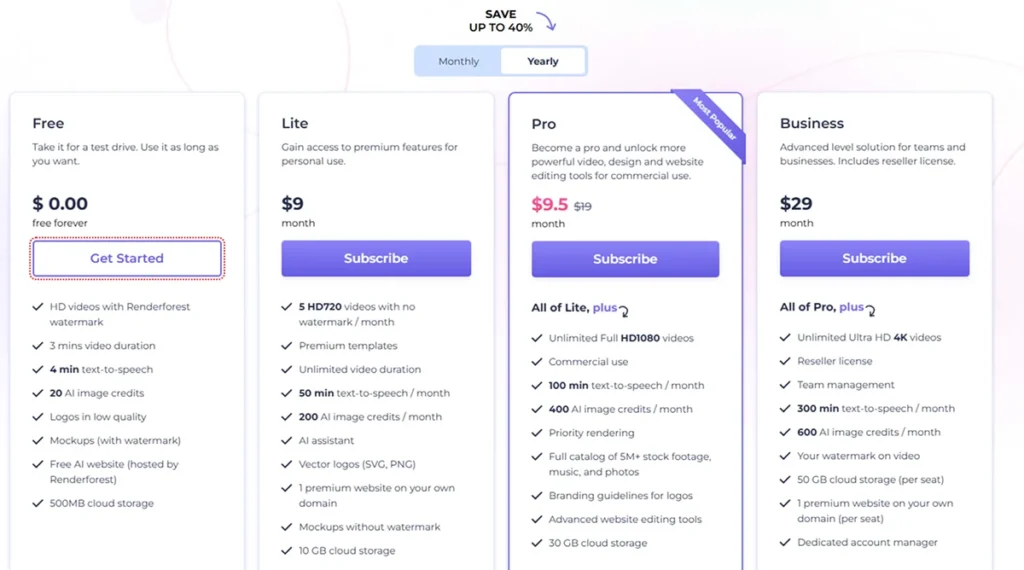
| Renderforest | Teams combining video, branding, and static visuals | Free plan (limited features). Paid plans (up to 40% annual discount): Lite: $14/month annually (5 HD720 videos). Pro: $39/month annually (unlimited Full HD1080 videos). Business: $49/month annually (unlimited 4K videos, team management). |
7 Smart Artboard Studio Alternatives To Consider
The tools below aren’t just alternatives. They’re created for real production: batch work, tight turnarounds, integrations, and team collaboration that doesn’t rely on Slack messages like “Where’s the latest file?”
1. Dynamic Mockups: Best for Bulk, Automation, and Teams

If your mockups are part of the product pipeline, not just the polish, Dynamic Mockups is built to keep up. It combines PSD workflows with automation so you can scale visuals without repetitive clicks.
Why teams choose it
✅ Upload PSDs once, set design rules, and generate hundreds of assets in seconds
✅ Full PSD smart-layer support for precise control
✅ Integrations with Shopify, Etsy, WordPress, Zapier, and Make✅ API access for programmatic rendering and automated workflows
✅ Team-ready collaboration features and white-label options
Where it stands out
Unlike Artboard Studio, which avoids PSDs in favour of a browser-first approach, Dynamic Mockups embraces them. That means you can work directly with Photoshop files while still automating bulk production — something most competitors can’t offer.
Pricing
- Pro plan: $10/month (includes 1,000+ mockups, PSD support, unlimited manual downloads, and credit-based bulk downloads, watermark-free).
- Custom plan: tailored solutions with API access, embedded editor, white label, volume discounts, and enterprise support.

Start creating for Free!
Showcase your E-commerce products like big brands, without costing a fortune

2. Mockuuups Studio: Best for Drag-and-Drop Simplicity
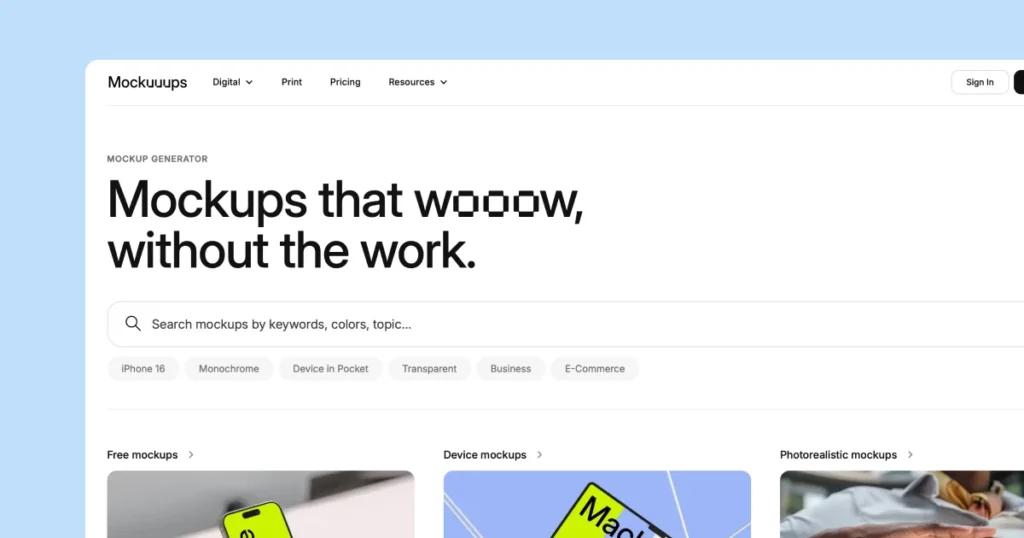
When you need clean device mockups fast, Mockuuups Studio gets the job done. It’s a desktop app with a Figma plugin, making it easy for UI designers to create polished shots without heavy setup.
Why teams choose it
✅ 4,800+ device mockups covering phones, laptops, tablets, and wearables
✅ Figma plugin for instant exports straight from your design files
✅ Desktop app — insert screenshot, frame, export in seconds
✅ API and Make.com integration for developers who want automation
Where it stands out
Mockuuups is perfect for quick UI visuals, but it isn’t built for volume. There’s no bulk export in the app, and it doesn’t support PSD files, so larger teams may hit a ceiling fast.
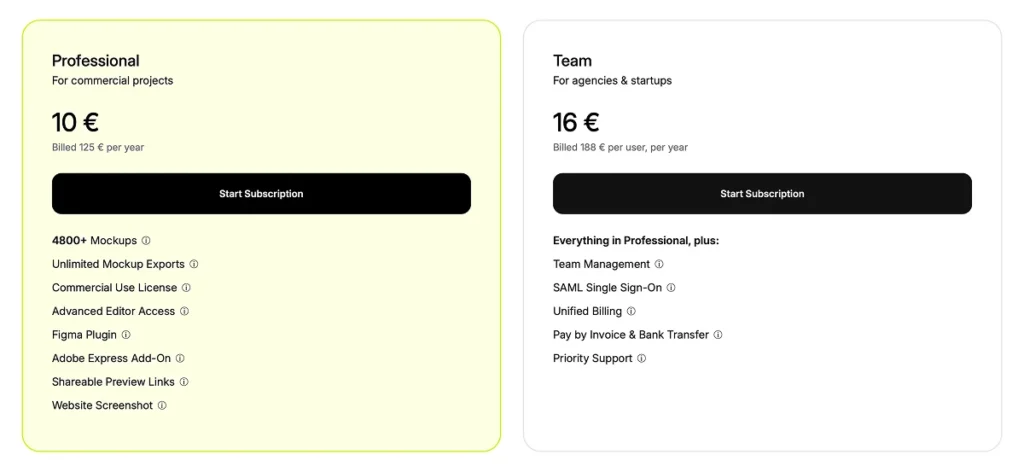
Pricing
- Free plan (limited mockups).
- Professional: $20/month, or $12/month (annual) with unlimited mockups and 4K exports.
Team: $30/user/month, or $18/user/month (annual), for up to 5 users.
3. Canva Smartmockups: Best for Canva-Based Teams
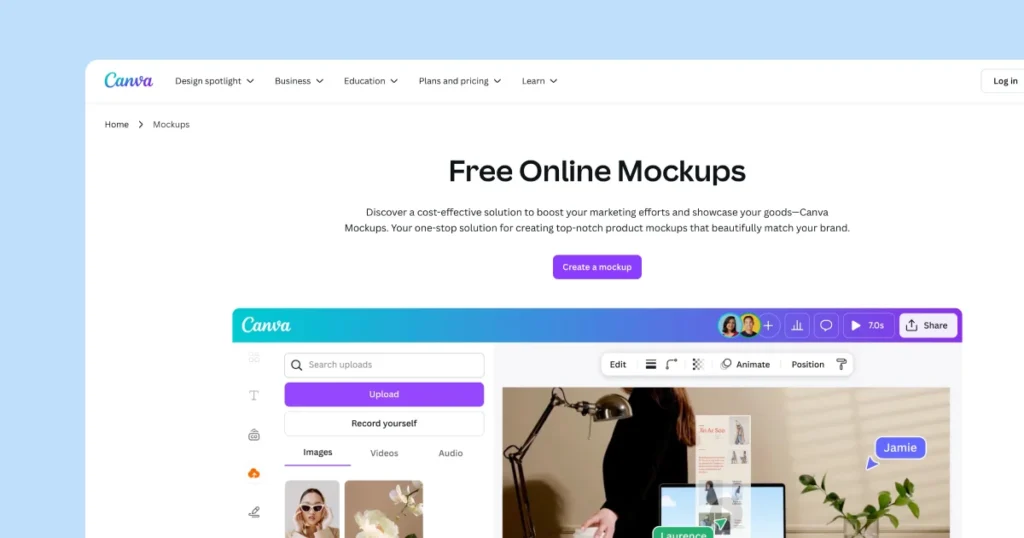
For teams already working in Canva, Smartmockups is a natural add-on. Fully integrated since Canva acquired it in 2021, it lets you turn designs into product visuals without leaving the editor.
Why teams choose it
✅ Native Canva integration for apparel, packaging, devices, and print items
✅ Ideal for non-designers and marketing teams
✅ Millions of Canva stock photos and templates available
✅ One-click product visuals without learning new tools
Where it stands out
Canva Smartmockups trades control for convenience. It’s great for simple outputs and quick turnarounds, but it doesn’t support PSD uploads or batch exports.
Pricing
- Canva Free (basic features).
- Pro: $14.99/month or $119.99/year (includes Smartmockups + stock library).
- Teams: from $30/month for 5 people, billed annually.
4. Mediamodifier: Best for Browser-Based Mockups
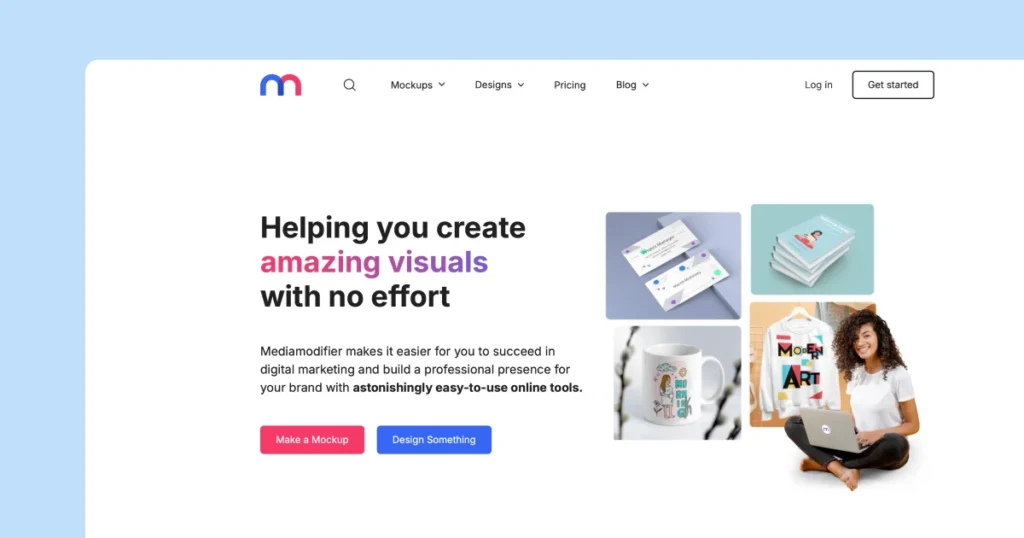
Mediamodifier is a lightweight, in-browser mockup tool that requires no software installs. It offers a large library of templates across product categories.
Why teams choose it
✅ 11,000+ templates across apparel, books, packaging, and tech
✅ Browser-based — upload, customize, download instantly
✅ Mockup API for PSD-to-template rendering and developer workflows
✅ Easy to create quick visuals for social posts or eCommerce listings
Where it stands out
It’s simple and fast, but the editor lacks deep PSD control. The API is where Mediamodifier shines, enabling automation for developers.
Pricing
- Free Basic plan.
- Professional: $25/month, or $12.50/month (annual) for unlimited downloads and templates.
- Team: $45/month, or $37.50/month (annual) for 5 members; extra seats from $7.50/month.
5. Visme: Best for Branded Presentations with Visual Assets
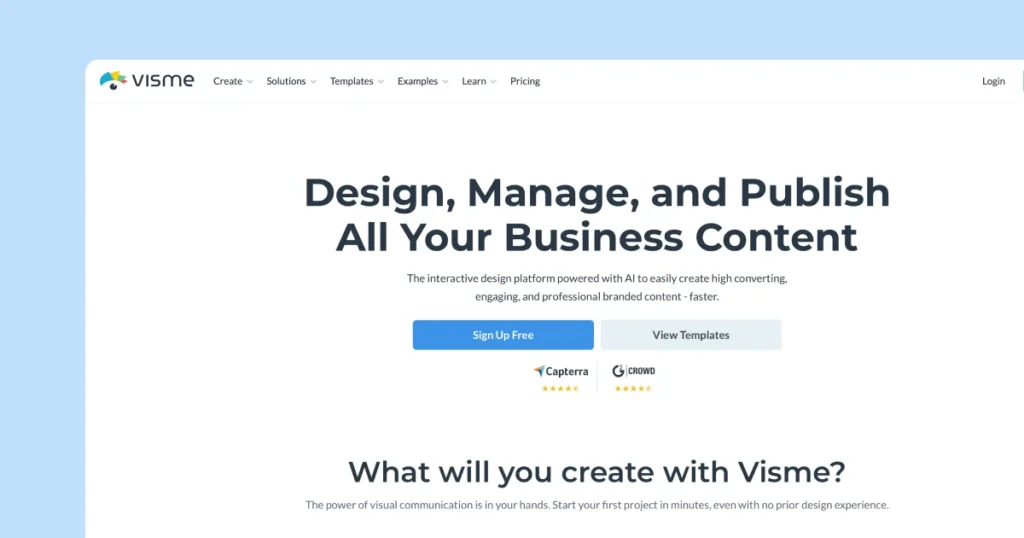
Visme is more than a mockup tool — it’s a full design suite for presentations, reports, and branded campaigns. It’s a good fit if your mockups are part of a bigger storytelling workflow.
Why teams choose it
✅ Create sales decks, reports, infographics, and mockups in one platform
✅ Brand kit tools for consistent colours, fonts, and templates
✅ Easy collaboration for marketing and comms teams
✅ Mockups integrated within Visme’s editor for quick visual assets
Where it stands out
Visme is perfect for presentations and proposals, but it’s not designed for high-volume mockup production or PSD workflows.
Pricing
- Free Basic plan.
- Starter: $29/month.
- Pro: $59/month (teams, advanced tools, brand kit).
- Enterprise: custom pricing with enhanced support.
6. Placeit: Best for Lifestyle Templates at Volume
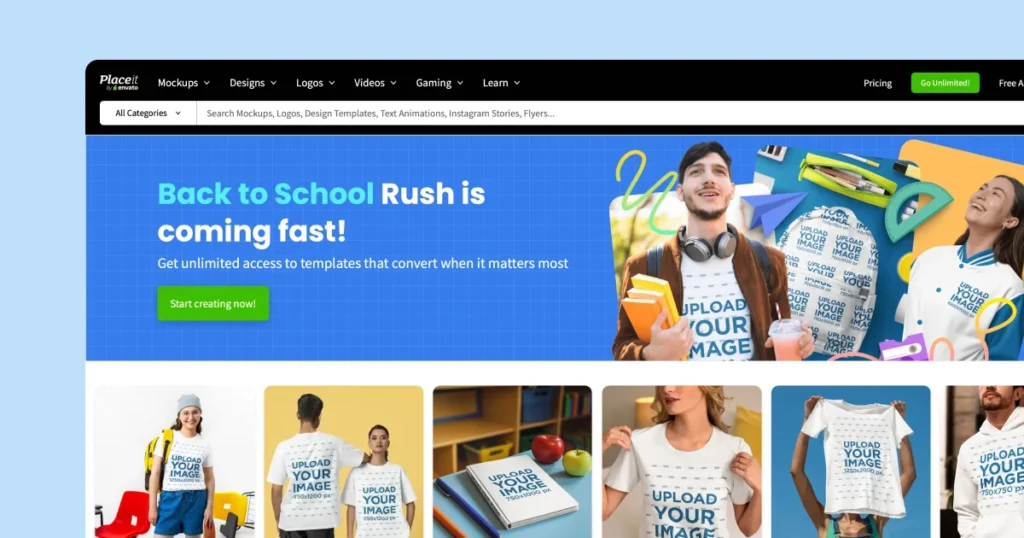
When you need lifestyle visuals fast, Placeit’s huge template library delivers. From apparel to mugs to devices, it’s the go-to for creators and print-on-demand sellers.
Why teams choose it
✅ Thousands of templates featuring real models, scenes, and devices
✅ Perfect for product listings, ads, and social content
✅ Upload, adjust, and export in seconds
✅ No design skills needed – simple upload and go
Where it stands out
Placeit prioritises speed and convenience, but it doesn’t provide PSD files or deep editing flexibility. It’s best when you need instant lifestyle scenes at scale.
Pricing
- Free tier (watermarked).
- Unlimited: $14.95/month or $89.69/year (50% savings).
7. Renderforest: Best for Teams Who Need Video Too
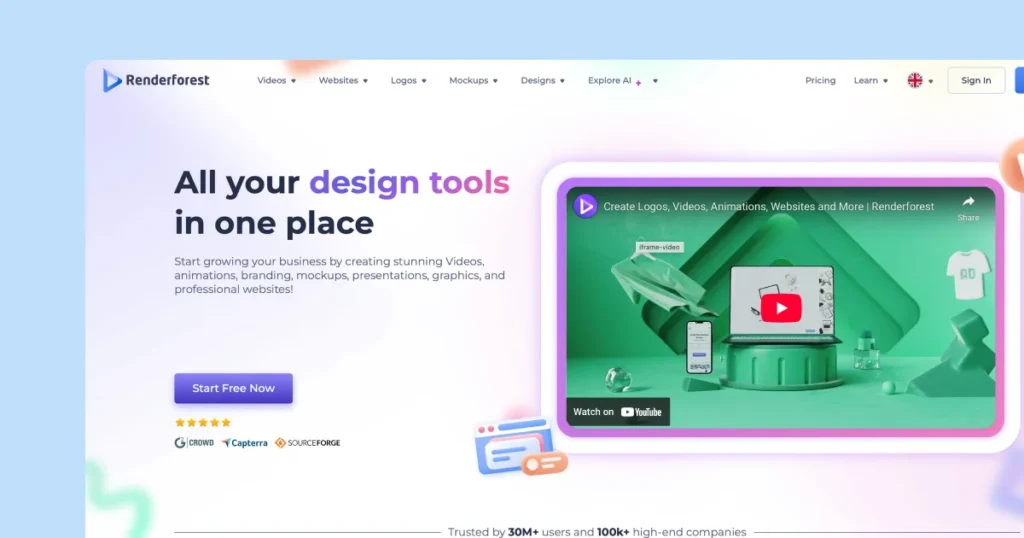
Renderforest is an all-in-one branding suite, covering mockups, videos, logos, and websites. It’s a strong choice if your team needs visuals plus motion content.
Why teams choose it
✅ Combines mockups, explainer videos, logo animations, and brand kits
✅ Public REST API and SDKs for automation
✅ Large template library across multiple formats
✅ Great for startups building identity fast
Where it stands out
It’s a broad creative platform, not a PSD-based tool. If you need deep Photoshop control, it won’t replace that — but it does let you cover a lot of ground quickly.
Pricing
- Free plan (limited features).
- Lite: $14/month (annual) for 5 HD720 videos.
- Pro: $39/month (annual) for unlimited Full HD.
- Business: $49/month (annual) for unlimited 4K videos and team management.
How to Choose What’s Right for Your Team
Every tool on this list solves problems, but they might not be your problems.
If your team is shipping products weekly, handling dozens of SKUs, or managing content across multiple channels, you’re past the point of “nice visuals.” You need infrastructure. Something that actually keeps up with how fast you move.
- Workflow speed – Are you doing the same tasks over and over, or do you need one-offs?
- Volume – five mockups a week, or five hundred?
- Integration reality – Does your tool need to talk to Shopify, Zapier, or whatever stack you’re already committed to?
- Team complexity – Solo operation or multiple people touching files and weighing in?
If your work is mostly campaigns and presentations, tools like Visme or Canva Smarmockups will probably do fine.
But if mockups are woven into your operations (not just the final touch), the automation becomes critical. That’s where Dynamic Mockups make sense. You want the process to work as hard as the visuals.
Pick the tool that won’t become your next constraint.
Design Tools Should Work at the Speed of Your Business
Artboard Studio has been a great starting point for many teams, but as your workflow grows, your tools need to grow with you. The best alternative is not only about better templates, it is about choosing a platform that matches the way you work today and can keep up with your pace tomorrow. If you find yourself spending more time adjusting mockups than moving products forward, it is time to switch.
Ready to try Dynamic Mockups?
Get started today and generate 100+ assets in seconds, automate your workflow, and bring your visual production up to speed.